
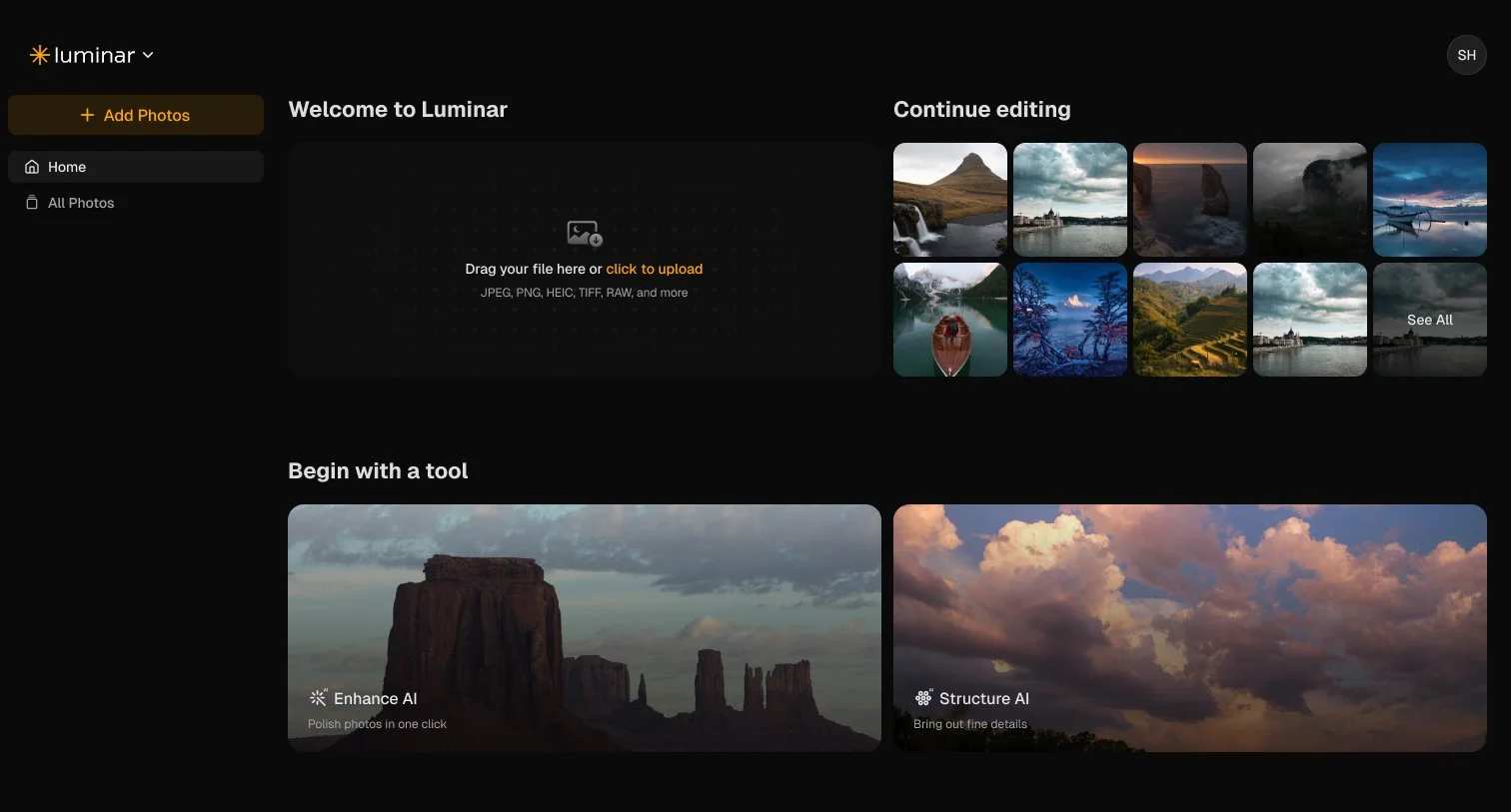
News: Luminar on Web launches, bringing familiar creative editing tools to your browser
Skylum has announced Luminar on Web, a new browser-based photo editor that brings a range of Luminar’s creative tools online. Available from 15 October 2026, it offers another way to edit your photographs without installing a desktop application.
As someone who enjoys working with Luminar, I’m curious to see how this fits into a photographer’s everyday workflow. Being able to open a browser and get creative with your images certainly has appeal, particularly when you’re away from your usual editing computer.
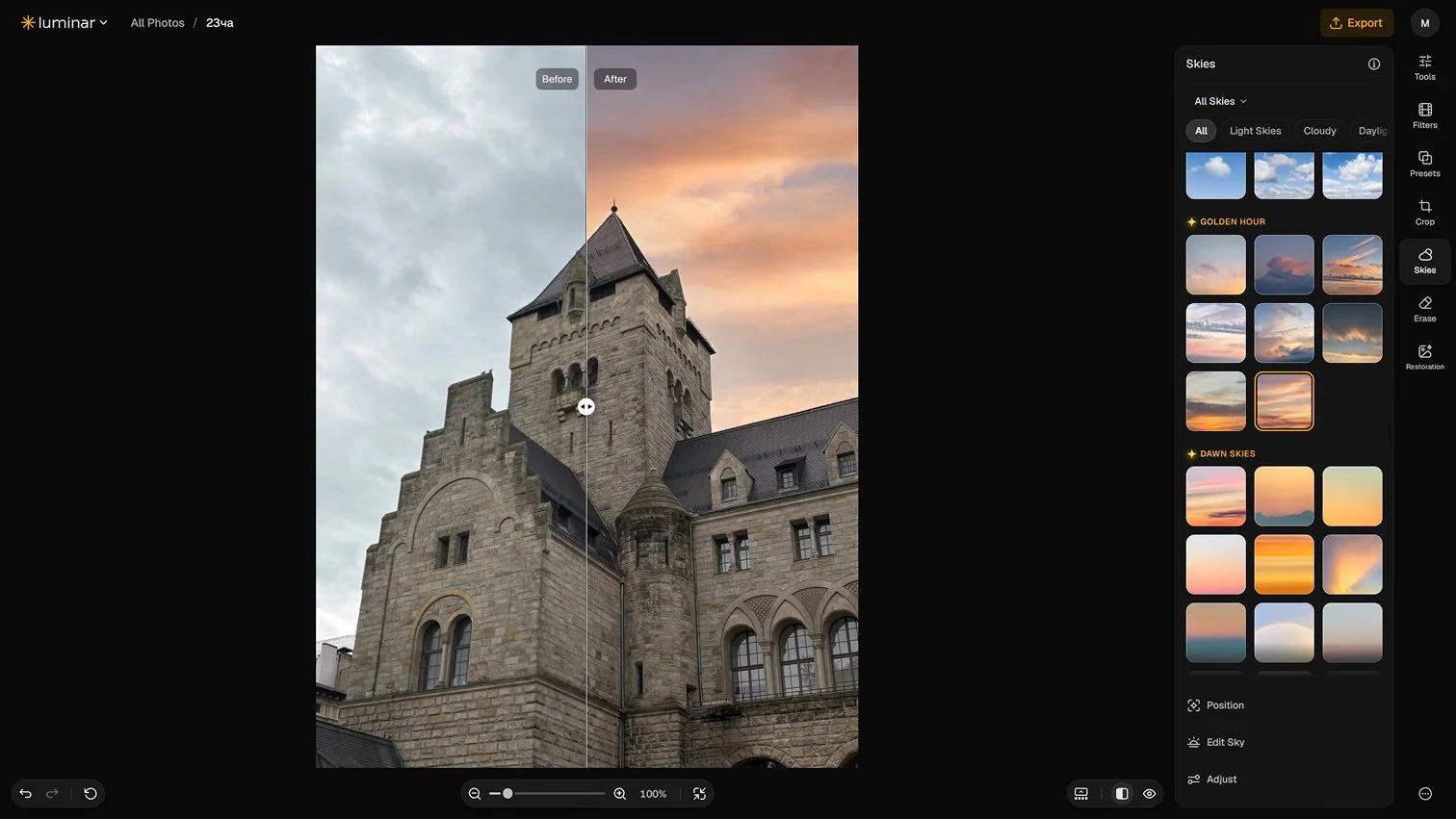
What is Luminar on Web?
Luminar on Web is designed to give beginners an accessible starting point while offering tools that experienced photographers can put to use too.
According to Skylum, the new editor combines RAW editing, AI tools, Presets and LUTs with cross-device synchronisation and a shared Prime asset library. It forms part of the company’s wider move towards editing across desktop, mobile and web.
For photographers who want more flexibility about where they edit, that could be an interesting addition.
Familiar tools, now online
The announced feature set includes several tools that will be familiar to existing Luminar users:
GenErase: Remove unwanted objects and distractions from photographs.
Photo Restoration: Restore and enhance older or damaged images.
Light Depth: Adjust and shape lighting to create depth and dimension.
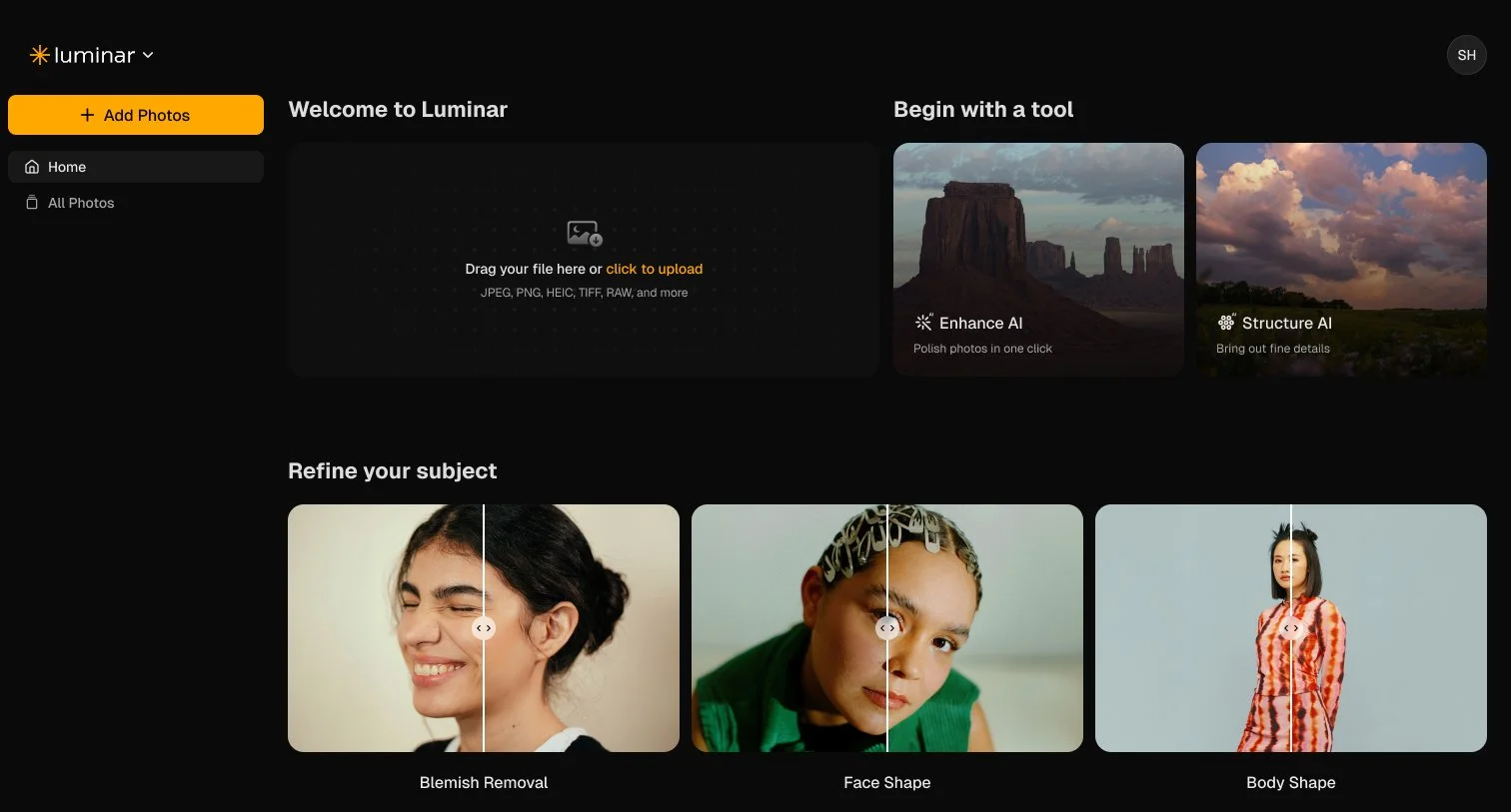
AI tools for Sky, Structure, Body and Bokeh: Explore creative adjustments for landscapes, portraits and everyday photographs.
RAW editing: Work with RAW files directly in the browser.
Presets and LUTs: Apply a starting look or experiment with different colour treatments.
Light Depth is one feature I’m particularly interested in exploring. I spend plenty of time teaching photographers how light shapes an image, so I’m always curious about editing tools that offer more control over its appearance.
Who might find it useful?
For beginners, Luminar on Web could offer a way to explore photo editing without starting with a desktop installation. For more experienced photographers, its appeal may be the convenience of accessing creative tools from another device.
Skylum also positions the editor as an option for people without powerful computers, with less reliance on local storage.
I haven’t tested the web version yet, so I’ll be interested to see how it handles larger files, how responsive the tools feel and how comfortably it fits alongside my existing workflow. A feature list is a useful starting point, but working with your own photographs is where you discover what suits you.
Availability and pricing
The supplied launch announcement lists free access with basic functionality and US$69 for full access.
Skylum also promotes a Lifetime licence option spanning desktop, mobile and web. Check the current package details before purchasing to confirm what’s included, particularly if you already own a Luminar product.
It’s an interesting next step for Luminar, and one I’m looking forward to exploring. More ways to edit could mean more opportunities to get creative, whether you’re at your desk or somewhere a little more inspiring.
Luminar Web is available on the website starting October 15, for free (basic functionality) and $69 for full access.