DxO Black Friday 2026 | Up to 50% Off Photo Editing Software
If you’ve ever opened a favourite photo and thought, “I love the shot, but I wish I could do something about those noisy shadows,” you already know where I’d start with a Black Friday sale. Pick a photo you want to improve and work out which tool would actually help. Your computer probably has enough things on it that you bought with good intentions. Mine certainly does.
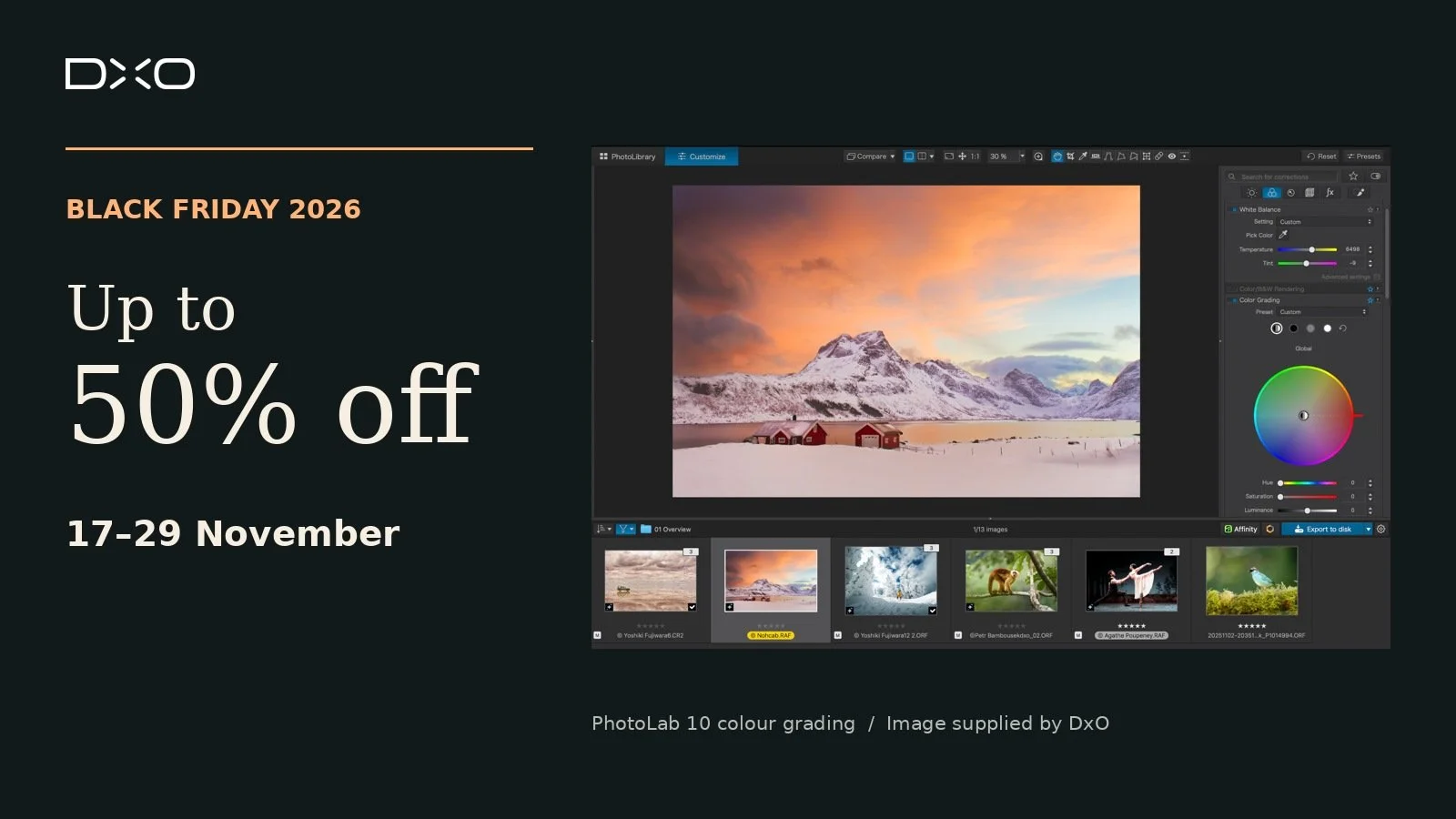
DxO’s Black Friday sale runs 17–29 November 2026, with up to 50% off new licences and savings on eligible upgrades across five photo editing apps. If you’re here for my cinematic portraits and vintage edits, jump straight to FilmPack. If you like your current editor and just want cleaner RAW files, I’d look at PureRAW first.
Affiliate disclosure: I’m a DxO affiliate. If you buy through my link, I may earn a commission at no extra cost to you.
DxO FilmPack 8 ELITE for vintage colour and film grain
If you enjoy vintage styling, try giving one portrait a few different film treatments. Look at what each one does to skin tones, shadows and fabric, then decide which suits the story. FilmPack recreates the look of real film stocks, including CineStill 800T and Harman Phoenix 200.
At US$74.99, down from US$149.99, a new FilmPack licence is around half price. That’s the biggest percentage saving among the five apps in DxO’s US price list.
DxO PureRAW 6 for noisy RAW files
PureRAW is where I’d start if I already had an editing workflow I liked. It handles RAW noise reduction and lens corrections before you bring the processed file into your usual editor.
Try it on a high-ISO portrait or a light-painted still life with deep shadows. Zoom in on the things you want to keep, like the grain in an old timber box or the edges of dried petals, and see how the processing handles them.
DxO PhotoLab 10 ELITE for a complete RAW workflow
PhotoLab makes sense if you want to develop RAW files and make detailed local adjustments in one editor. Depth Masks let you target areas based on their distance from the camera, and AI masks can target individual people and features such as eyes and hair.
For a portrait with a distracting background, try softening the background contrast while keeping the detail in the face. It’s a practical way to see what the masks can do for your kind of work.
Nik Collection 9 for creative finishing
Nik is a suite of seven plugins for apps including Photoshop and Lightroom Classic. Silver Efex is where I’d start for a punchy black-and-white portrait or a still life with plenty of texture. If you love experimenting with colour, Color Efex gives you another way to shape the mood.
Try one edit with a gentle touch and one with more contrast. Seeing them side by side can tell you more about the look you’re after than scrolling through another dozen presets.
DxO ViewPoint 6 for perspective and distortion
This is the one I’d look at for leaning verticals or stretched edges in wide-angle shots. Think buildings, interiors, or a studio portrait where the set starts to look a little wonky near the edge of the frame.
In version 6, ReShape Fusion uses AI masks to help target an individual element when you need a more precise correction.
What’s on sale?
The prices below are from DxO’s US price list. If you’re shopping from Australia, check your local price in the DxO store before buying.
Product New licence (USD) Eligible upgrade (USD)
FilmPack 8 ELITE US$74.99, was US$149.99 US$49.99 from FilmPack 7
PureRAW 6 US$99.99, was US$139.99 US$69.99 from PureRAW 4 or 5
PhotoLab 10 ELITE US$199.99, was US$249.99 US$99.99 from PhotoLab 8 or 9
Nik Collection 9 US$149.99, was US$179.99 US$79.99 from Nik 7 or 8
ViewPoint 6 US$99.99, was US$129.99 US$69.99 from ViewPoint 5
Still deciding? Download a free trial and pull up three of your own files. Pick one that’s easy to edit, one that’s given you trouble, and one you’d love to revisit. If the software helps with the photos you actually shoot, you’ve got a reason to buy it.
The offers apply on the DxO website for Windows and macOS. Sale prices are applied automatically, so there’s no code to enter. Offers can’t be combined.