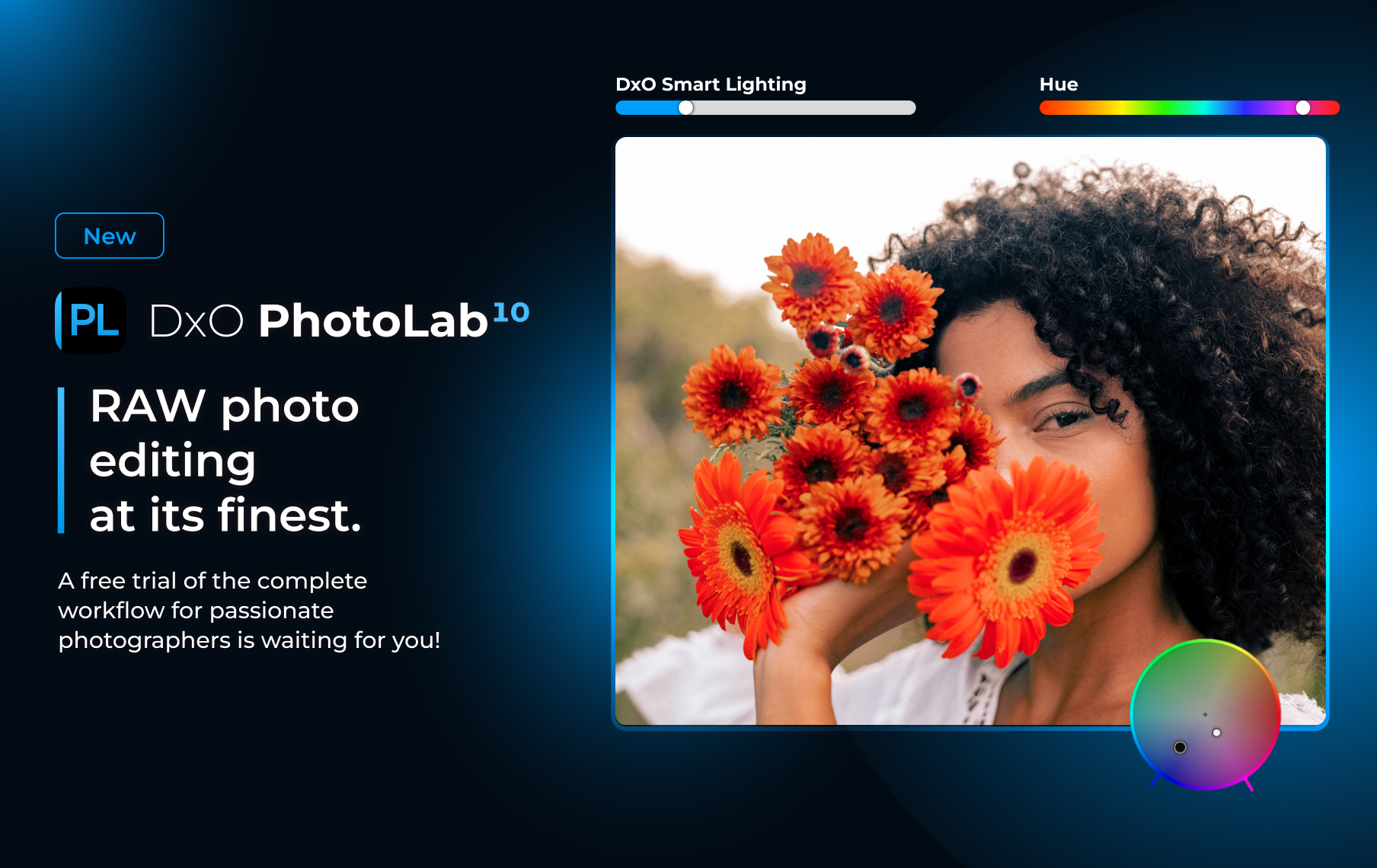
DxO PhotoLab 10: What’s New and What Photographers Will Actually Use
DxO has just released PhotoLab 10, and this time around it feels like there’s been a fairly significant shift in direction.
I’ve always thought of PhotoLab as being particularly strong when it comes to the technical side of editing. RAW processing, optical corrections, noise reduction and getting the absolute best quality from your files have long been where DxO really shines.
With PhotoLab 10, those things are still very much there, but DxO seems to be putting considerably more emphasis on the creative editing process too.
We now have Depth Masks, much more detailed AI masking, a completely new Color Grading tool, improvements to U Point technology and even automatic sensor dust removal.
So rather than simply running through every single new feature, I thought I’d look at the additions that I think photographers are actually going to find useful.
Depth Masks are probably the big one
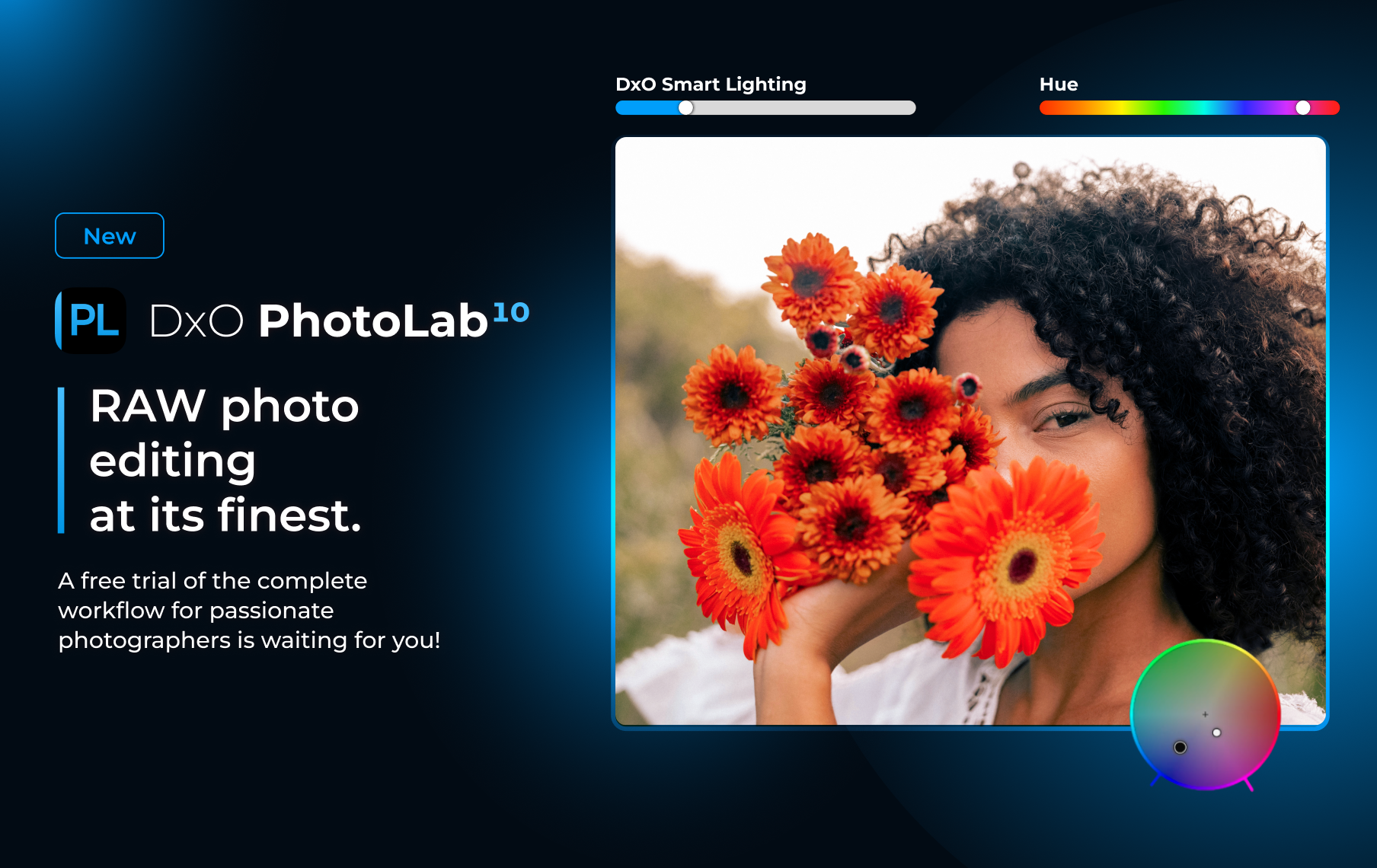
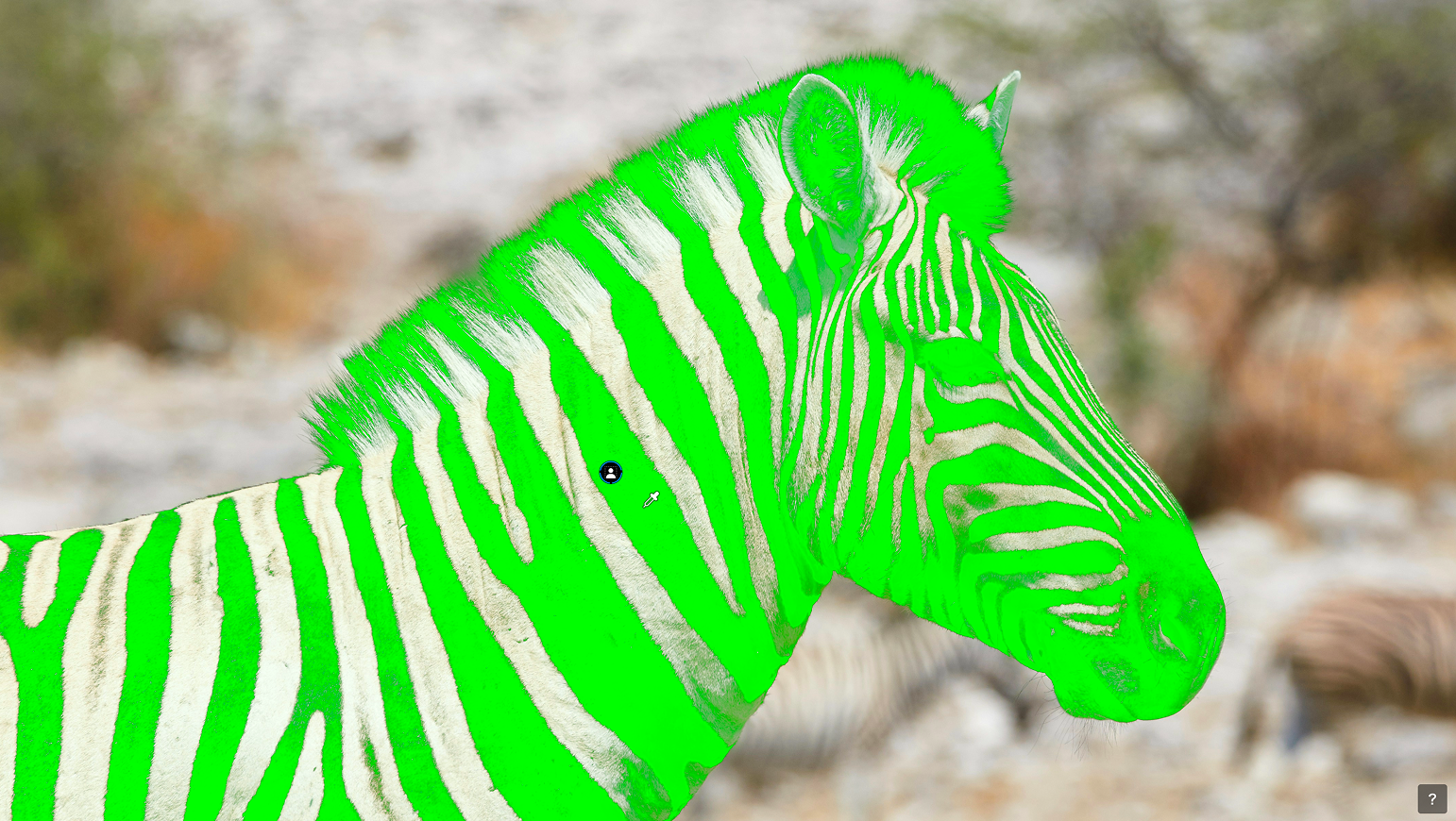
One of the headline features in PhotoLab 10 is the new Depth Masks.
And this is a little different from the AI masking tools we’ve become used to.
Normally, when we create an AI mask, the software is looking for something specific within the photograph.
A person.
The sky.
The background.
An animal.
A flower.
With Depth Masks, PhotoLab instead analyses the photograph and works out the apparent distance of different elements from the camera.
It creates a depth map of the scene, allowing you to target areas based on whether they sit in the foreground, midground or background.
What I find particularly interesting is that the photograph doesn’t need to contain embedded depth information. PhotoLab analyses the image itself and generates the depth map.
Once you’ve selected the area you want to work on, you can refine where the adjustment appears and feather the transition between different depths.
I can see this being particularly useful for portraits where you want to work on the environment separately from your subject, but also landscapes, street photography and even some still life images.
For example, rather than carefully masking around a subject just because you want to darken the area behind them, you may be able to target that part of the image according to its depth instead.
Of course, how useful that is in the real world is going to depend on how accurately PhotoLab interprets more complicated scenes.
That’s something I’m definitely keen to test.
AI masking gets much more detailed
Portrait photographers have received some particularly interesting updates.
PhotoLab could already recognise things such as people, subjects, backgrounds, skies, animals, flowers and vehicles, but PhotoLab 10 takes people masking considerably further.
If you have several people in a photograph, the software can now identify them individually.
You can mask everyone together, select particular people or create a separate mask for each person.
That alone could be incredibly useful for group portraits.
But it gets more detailed again.
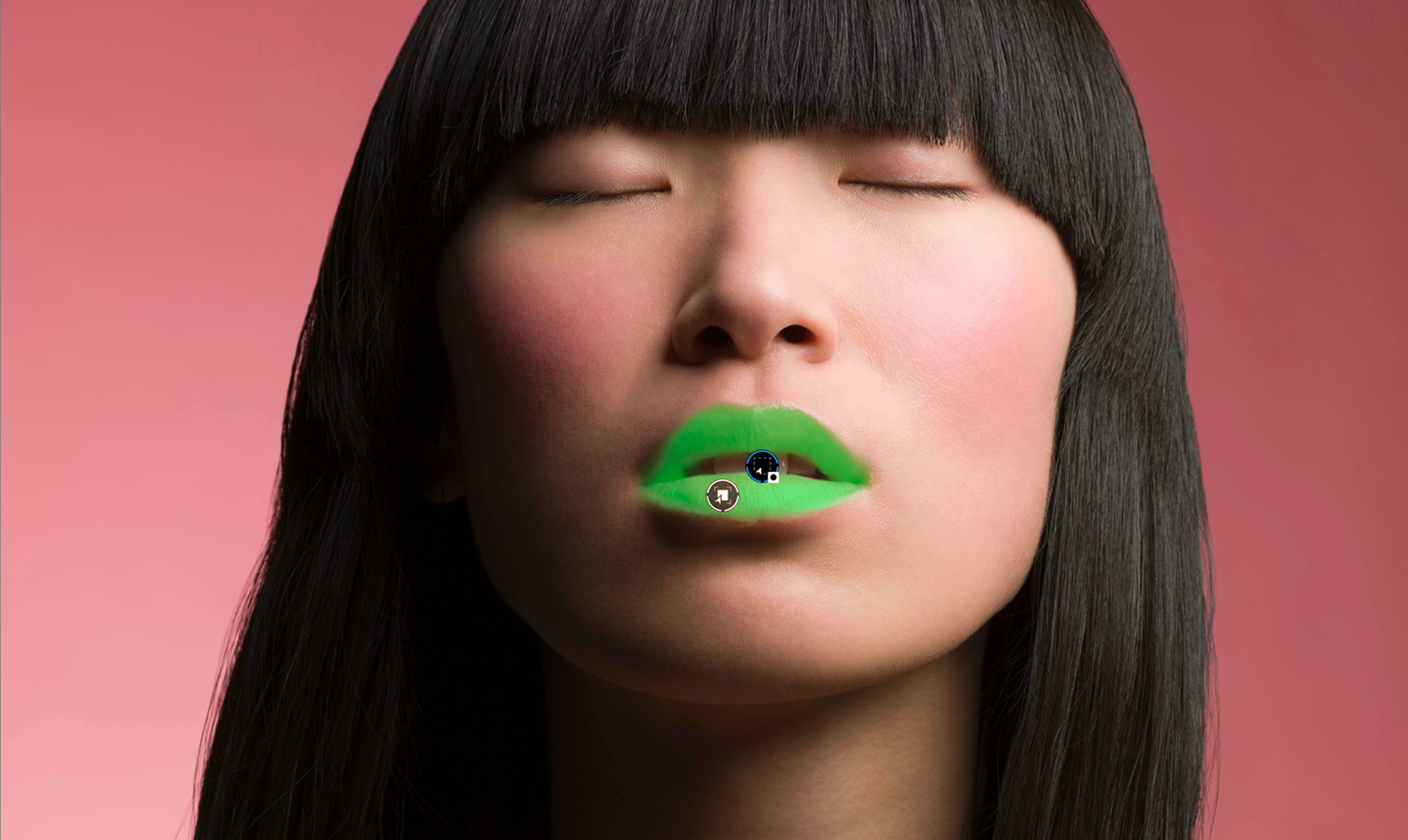
The new face segmentation options can identify areas including:
Skin
Eyes
Iris and pupil
Sclera, the white of the eye
Eyebrows
Lips
Teeth
Facial hair
So rather than painting around someone's lips or carefully trying to select the eyes, you can ask PhotoLab to identify those areas for you.
I’m interested to see how accurate these selections are, particularly with more creative portraits where we may have dramatic makeup, unusual lighting, coloured gels or partially obscured faces.
Because selecting a perfectly lit face looking directly at the camera is one thing.
Give the software one of my models covered in theatrical makeup, smoke and coloured light and we might have a slightly more interesting test.
AI Masks and U Point are coming together
This might not sound quite as exciting as a shiny new AI feature, but I think it could actually be one of the more useful changes.
U Point technology can now be used to refine AI Masks.
U Point has always been one of the things I particularly like about DxO software because it lets you make very targeted adjustments based on the colour and luminosity of an area without having to painstakingly paint a mask.
Now you can create an AI selection first and then use U Point to expand or contract that selection.
And I think this is where AI editing becomes much more useful.
AI doesn't necessarily have to make every decision perfectly.
If it can get you 90% of the way there quickly and then give you simple tools to refine the result yourself, that's often far more useful than spending ages manually creating a selection from scratch.
There's a new Color Grading tool
PhotoLab 10 also introduces a completely new Color Grading tool.
It allows you to independently adjust the colour of the shadows, midtones and highlights, as well as the overall colour balance of the photograph.
For anyone who enjoys creating a particular mood or atmosphere with colour, this could be a really useful addition.
You can also link the tonal ranges together so their relationship remains consistent while you experiment with different colour treatments.
This is another area I’m keen to explore with some of my creative portraits.
Colour grading can completely change the feel of an image, particularly when you’re working with cinematic portraits, dramatic lighting or more stylised work.
And anything that gives us more control without making the process unnecessarily complicated gets my vote.
Control Points get a little more flexible
DxO hasn't forgotten about its more traditional local adjustment tools either.
Control Points can now be changed from circular to elliptical, which might sound like a very small thing until you're trying to select something that isn't remotely circular.
Faces immediately spring to mind.
There's also a new Control Brush, which combines traditional brushing with U Point's intelligent selection based on colour and luminosity.
What I like about this approach is that we're not being forced to use AI for everything.
Depending on the photograph, you can use an AI Mask, a Depth Mask, Control Points or the new Control Brush, and then refine the selection using the tool that makes the most sense.
Sometimes AI is fantastic.
Sometimes a brush is quicker.
And sometimes you just want to tell the software, no, not THAT bit.
And then there's automatic sensor dust removal
This one isn't particularly glamorous.
But I suspect quite a few photographers are going to love it.
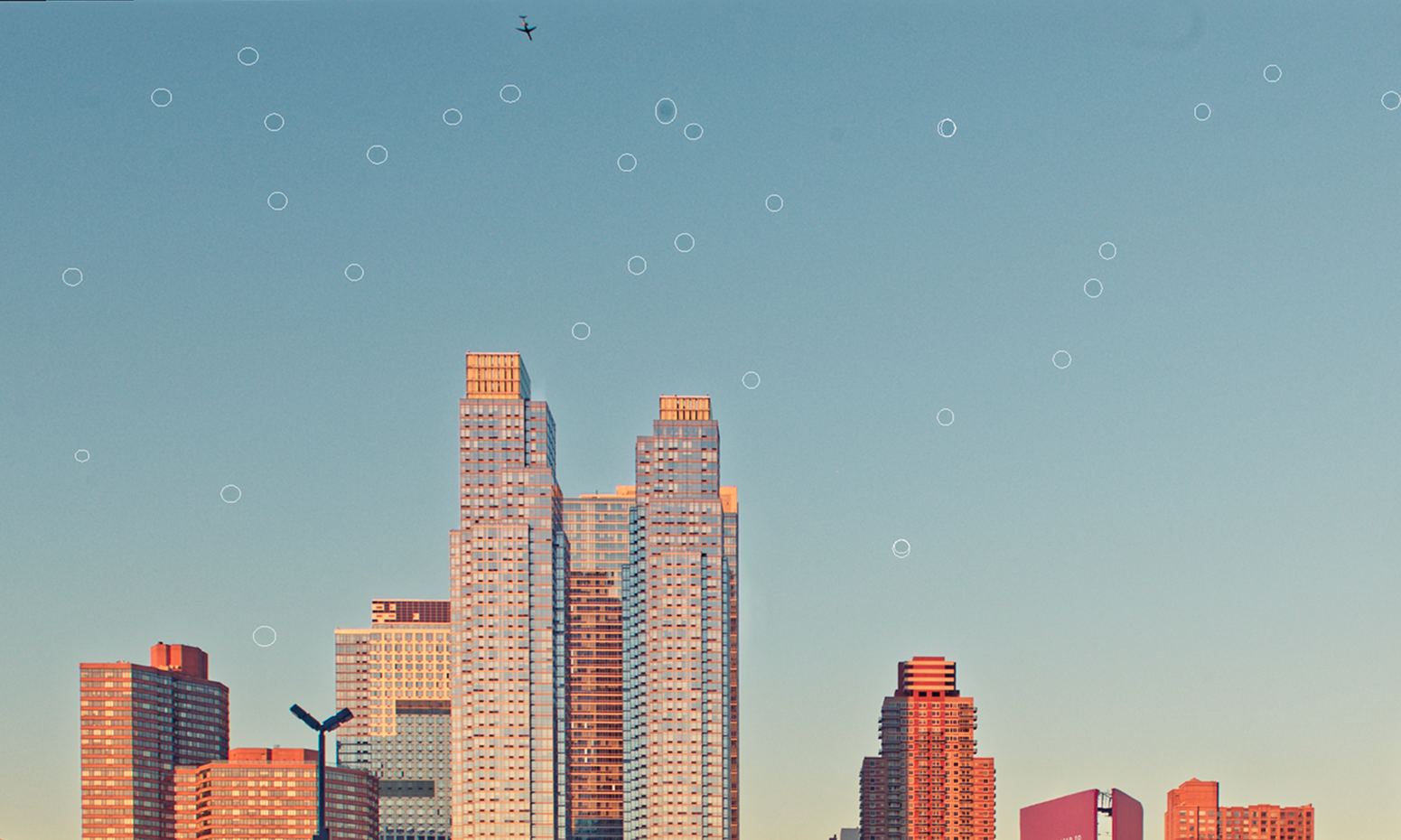
PhotoLab 10 can now automatically detect and remove sensor dust and small imperfections at the RAW level.
Anyone who has ever come home from a shoot, started editing and discovered the same annoying little sensor spot sitting in exactly the same place across hundreds of photographs will understand why this could be rather useful.
It's probably not the feature DxO will put in enormous letters across all the advertising.
But it might quietly become one of those features we wonder how we managed without.
I’ll definitely be throwing some particularly dusty files at this one to see what it finds.
There are some smaller workflow improvements too
There are a handful of other changes that may not grab the headlines but should make everyday editing a little easier.
PhotoLab 10 now supports as-shot crop ratios, allows histogram adjustments directly within PhotoLibrary and includes improvements to database backup and restoration and folder relocation.
There is also now a direct connection between PhotoLab 10 and Affinity, allowing you to send an image from PhotoLab into Affinity for pixel-level retouching, compositing and other more detailed editing.
It's a useful addition for photographers already using Affinity, although personally I think the new masking, colour and local adjustment tools are the much more interesting story in this release.
Is PhotoLab 10 becoming a more complete editor?
That's probably the question I find most interesting about this release.
DxO has always been exceptionally good at the beginning of the photographic workflow.
Give it a RAW file and its combination of RAW processing, optical corrections and noise reduction can produce some beautiful results.
But many photographers still move into other applications when they want to do more creative or detailed work.
PhotoLab 10 feels like another step towards keeping more of that editing process inside PhotoLab itself.
Depth Masks, better portrait selections, detailed face segmentation, colour grading and more flexible local adjustments all push it further in that direction.
And I think that's potentially more important than any single new feature.
So, is it worth upgrading?
I'm going to reserve judgement on that one until I've spent some proper time actually using it.
A feature can look fantastic in a demonstration and behave very differently when you give it a difficult real-world photograph.
I want to see how Depth Masks cope with complicated scenes.
I want to throw some of my more creative portraits at those new face selections.
I want to see whether automatic dust removal really does find all those annoying little spots.
And I definitely want to play with the new Color Grading tools.
On paper, though, PhotoLab 10 looks like a much more substantial creative update than simply adding another collection of AI buttons.
The tools I'm most interested in are the ones that give us more control over our own editing, while taking some of the tedious work out of creating selections and masks.
And that, for me, is where AI in photography software is at its most useful.
Not creating the photograph for us.
Just helping us spend a little less time fighting selections and a little more time deciding what we actually want the finished image to look like.
For more information, pricing and downloads head to DXO Website