Huion KeyDial Remote K40 Review
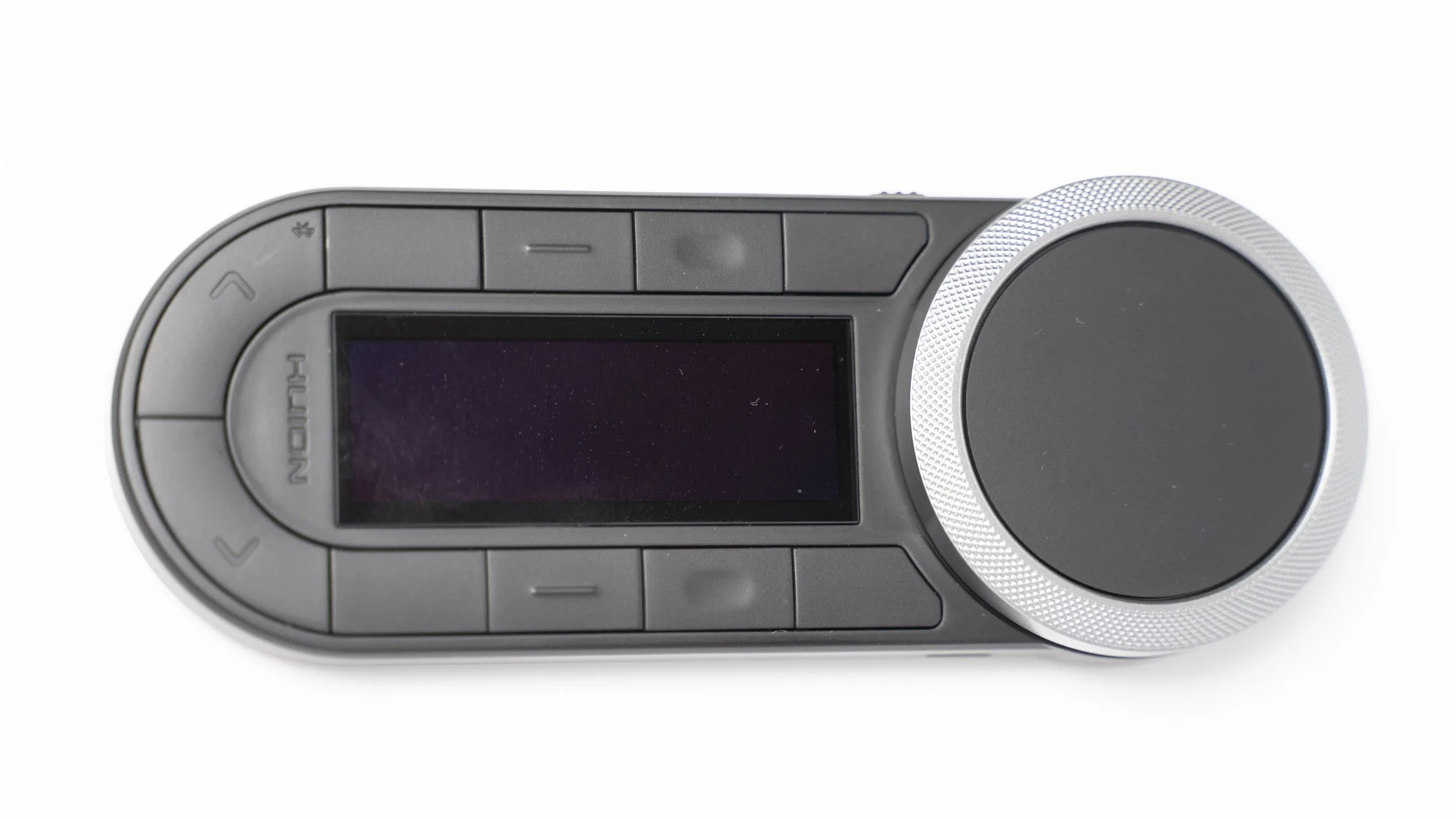
The Huion KeyDial Remote K40 is one of those little computer gadgets you don’t realise you need until you try it, then suddenly your whole workflow feels smoother. It is essentially a compact shortcut controller with a tactile dial, a stack of programmable buttons and enough customisation to fit whatever creative software you live in, whether that is Photoshop, Lightroom, Aperty, Luminar Neo or any of the usual suspects.
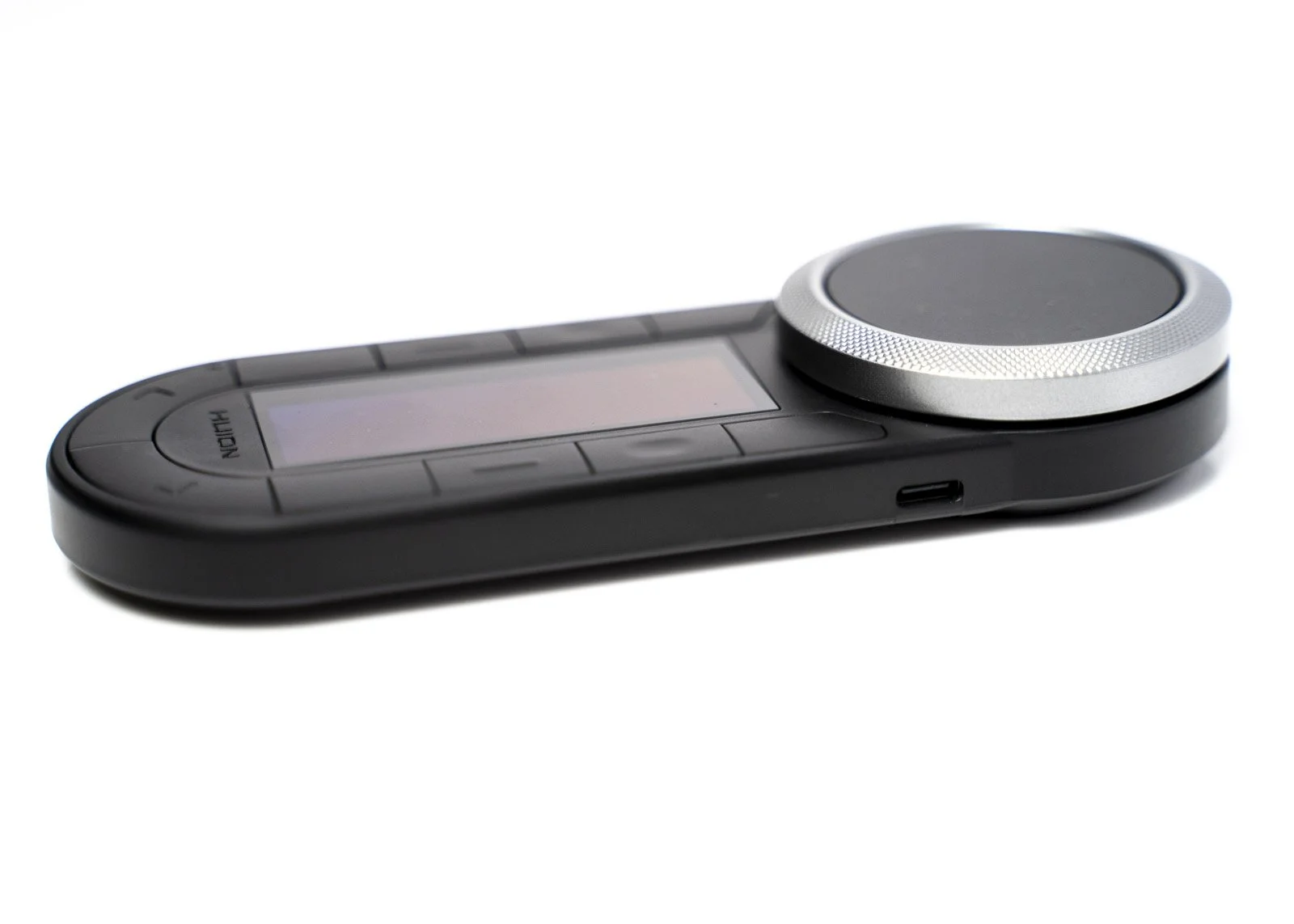
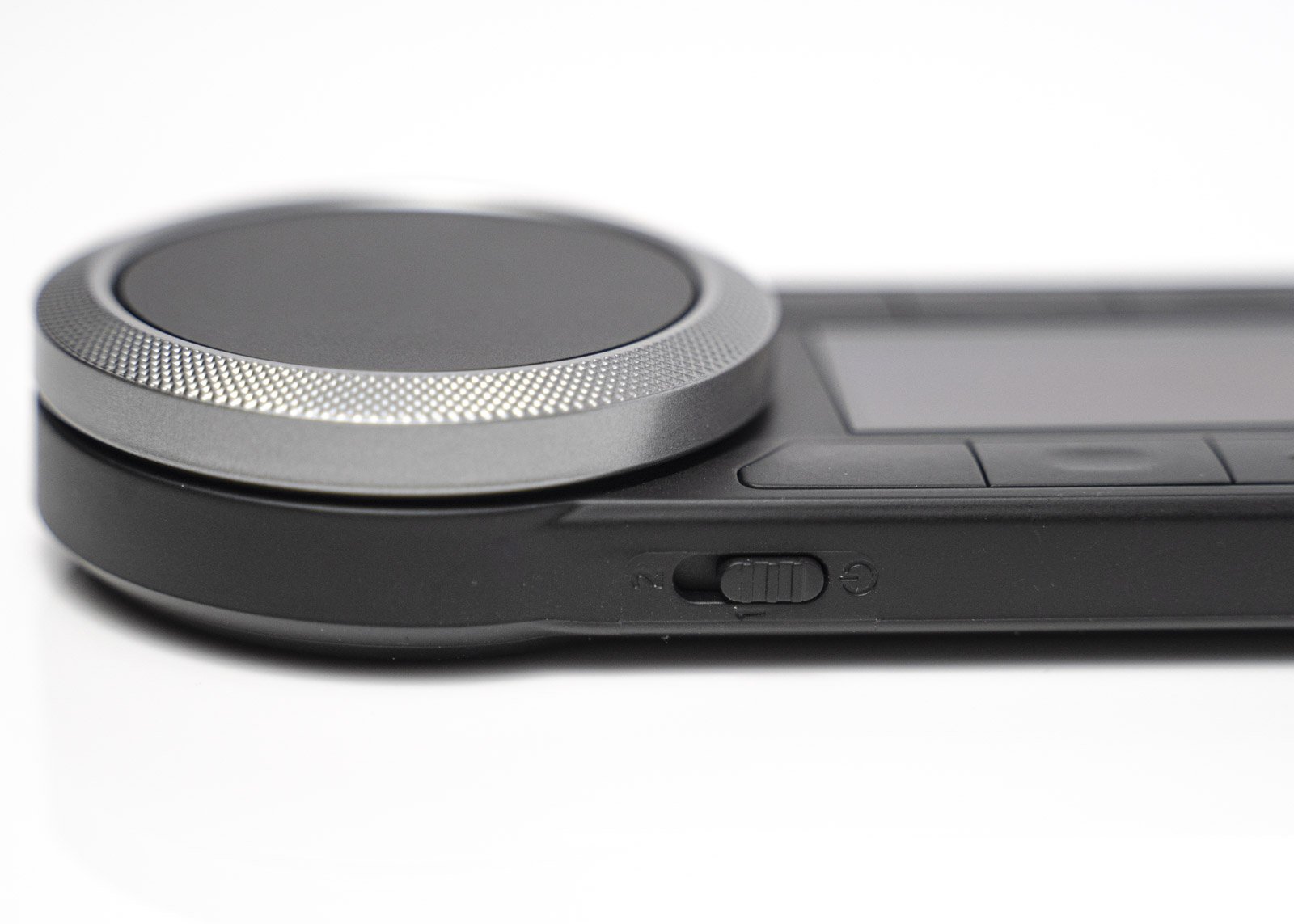
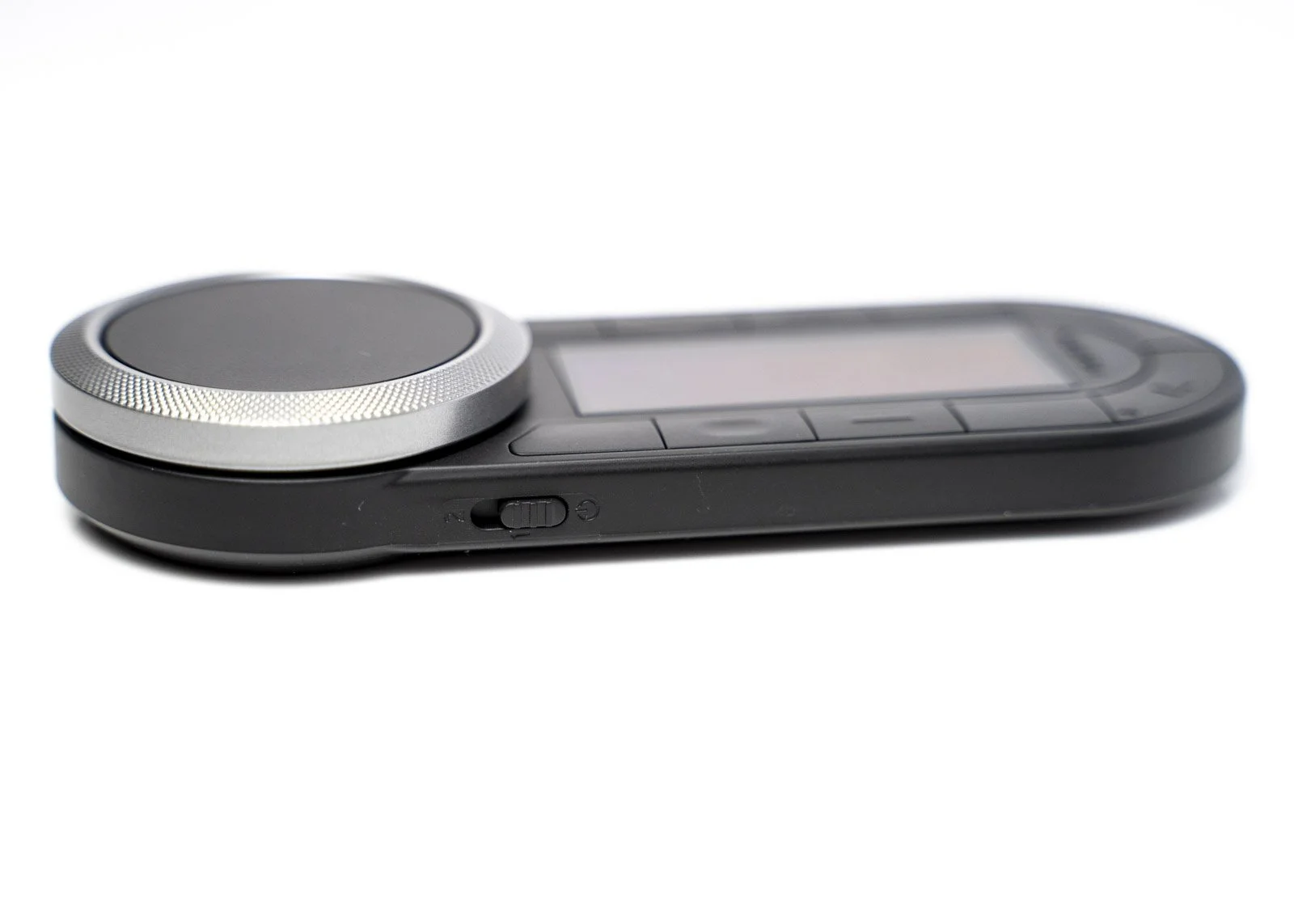
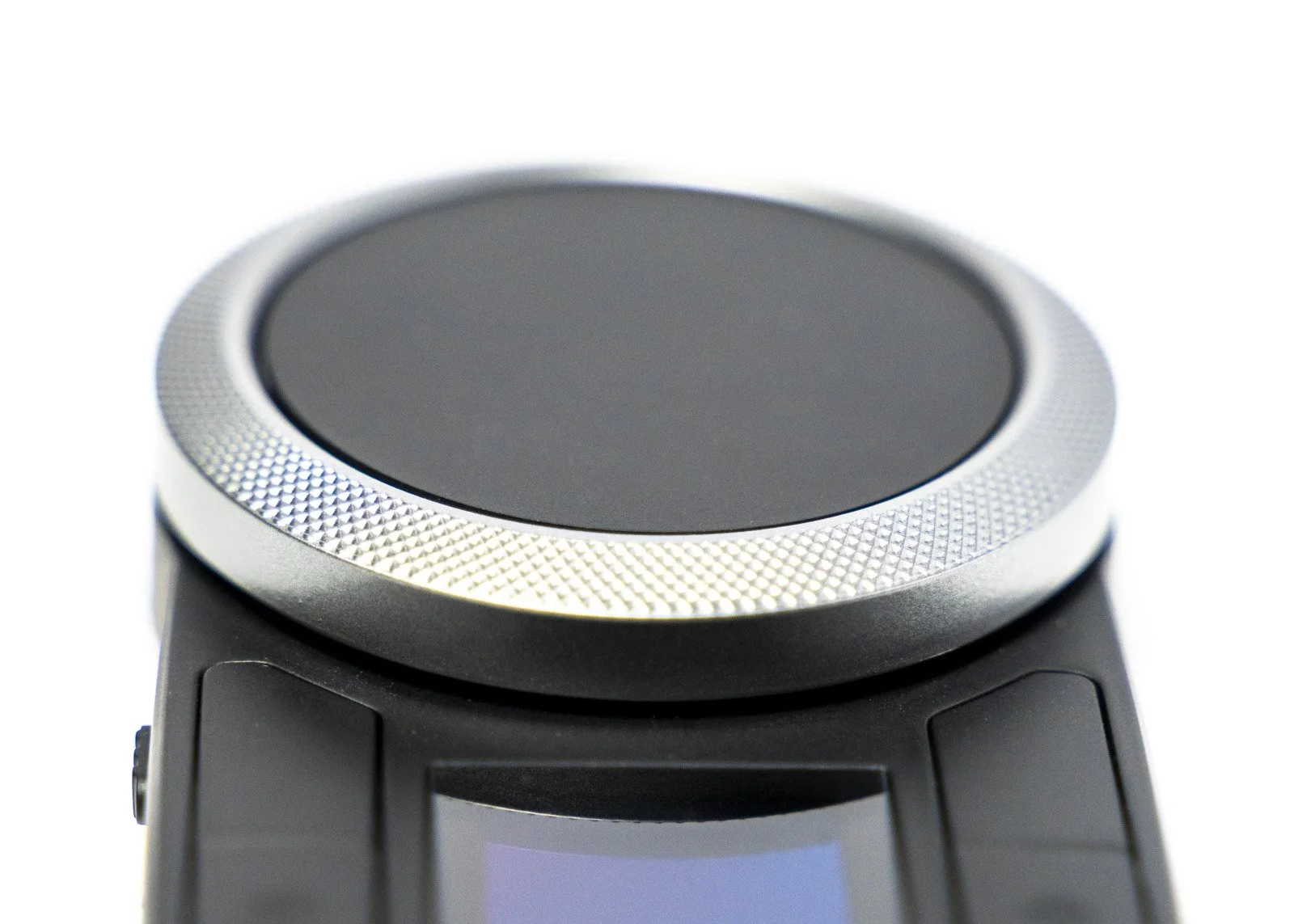
The build feels solid without being heavy, and the buttons have a nice, clean click that sits in the sweet spot, not mushy, not stiff. The dial is the star of the show. It is responsive and accurate, great for nudging sliders, zooming in and out or adjusting brush sizes on the fly. If you are used to hunting around the keyboard for shortcuts while editing, this instantly cuts down the faff. I found it especially handy when retouching portraits and dodging and burning still-life images, where micro adjustments matter. Oh, and when it comes to digital art? I give it the chef’s kiss!
Setting it up is simple. You need to download the software (depending on previous Huion software Downloads - check the website). Once installed, connect the Remote via USB or Bluetooth. Huion’s driver lets you map each button and the dial to whatever combination you like, and you can save custom profiles for different apps. Switch to Lightroom, it behaves one way. Jump into Photoshop, it changes to the tools you use there. It takes a little experimenting to figure out which shortcuts actually speed you up, but once dialled in, it genuinely streamlines your editing rhythm. If you have a Huion Tablet, it uses a different app (or software) to do this. As per usual, visit the Huion website to download the software and manual. You can connect via Bluetooth for cable-free usage. I must confess I struggle with my PCs Bluetooth and couldn’t find the remote, so I just use the supplied cable. But this is not an issue. Just something to be aware of.
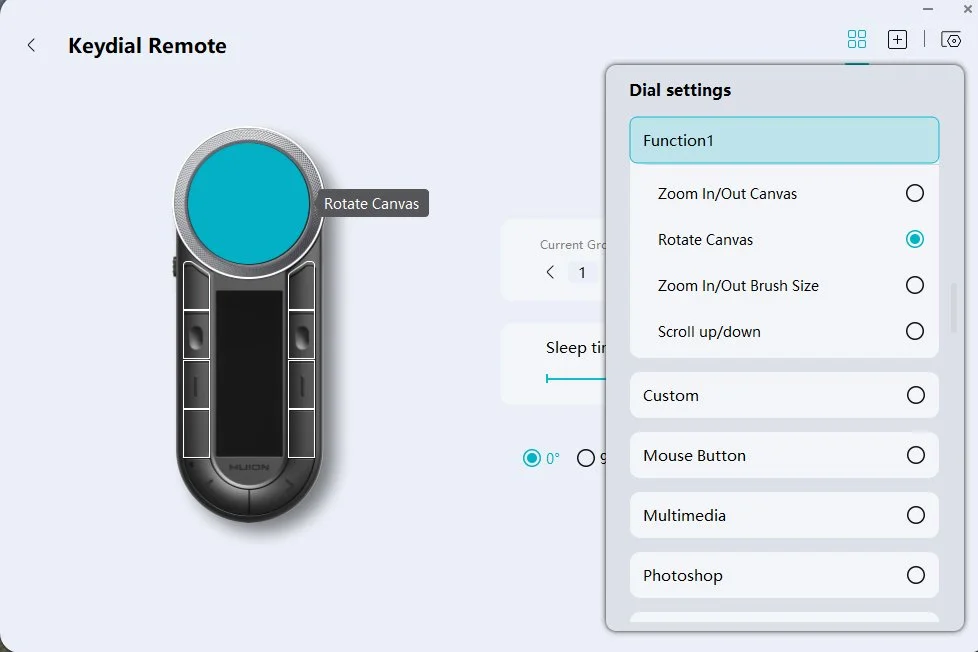
Keydial Remote Software Layout
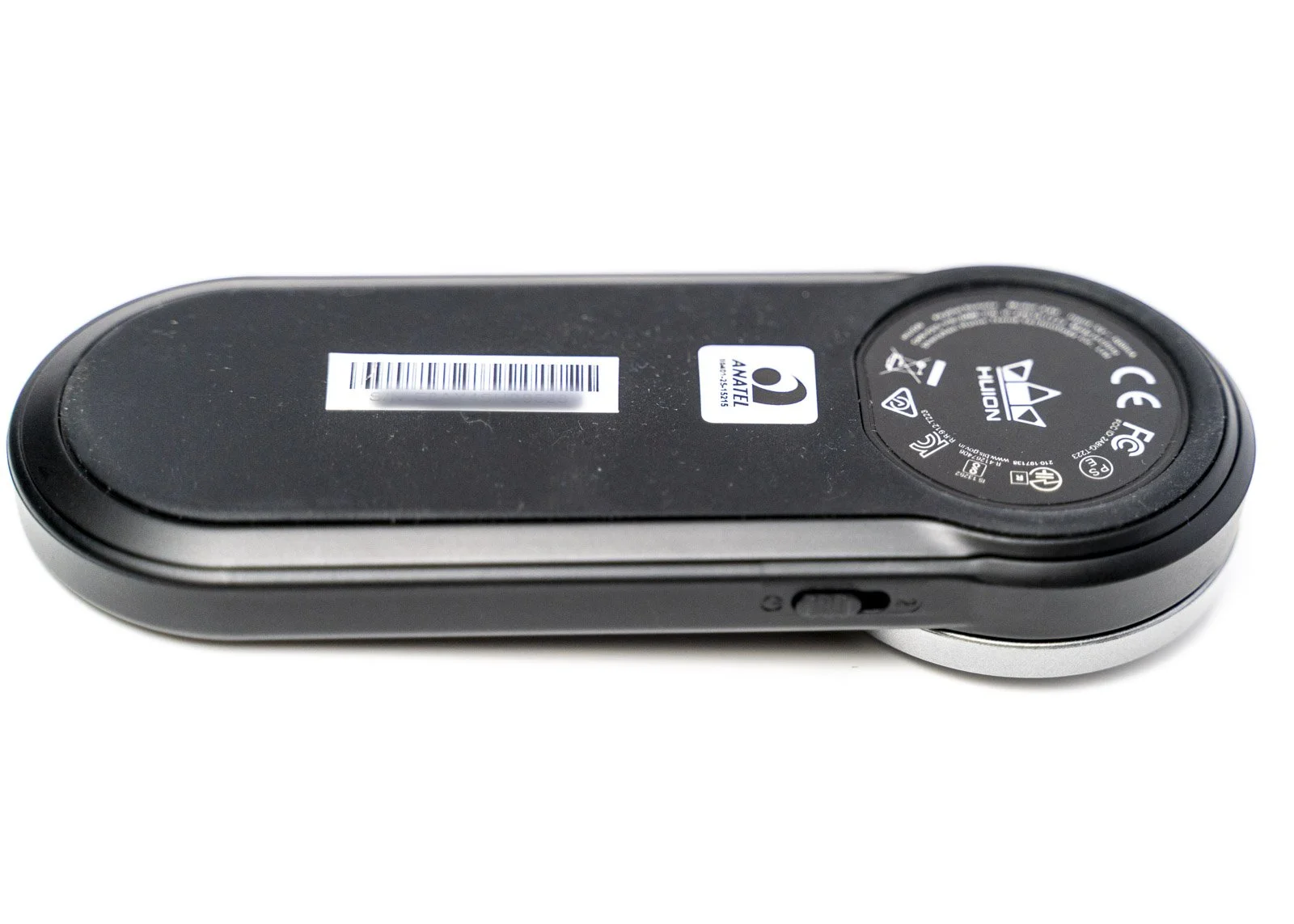
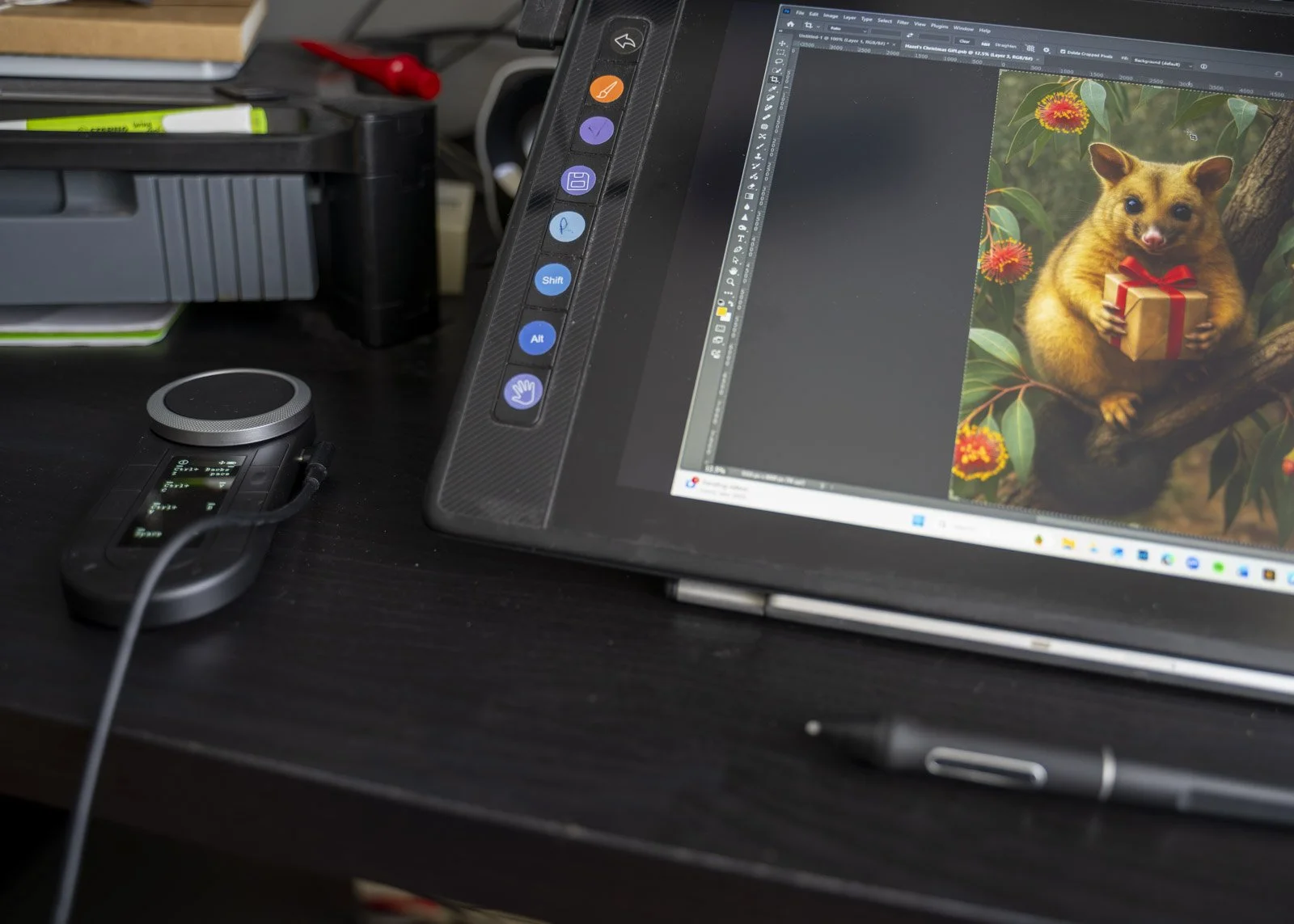
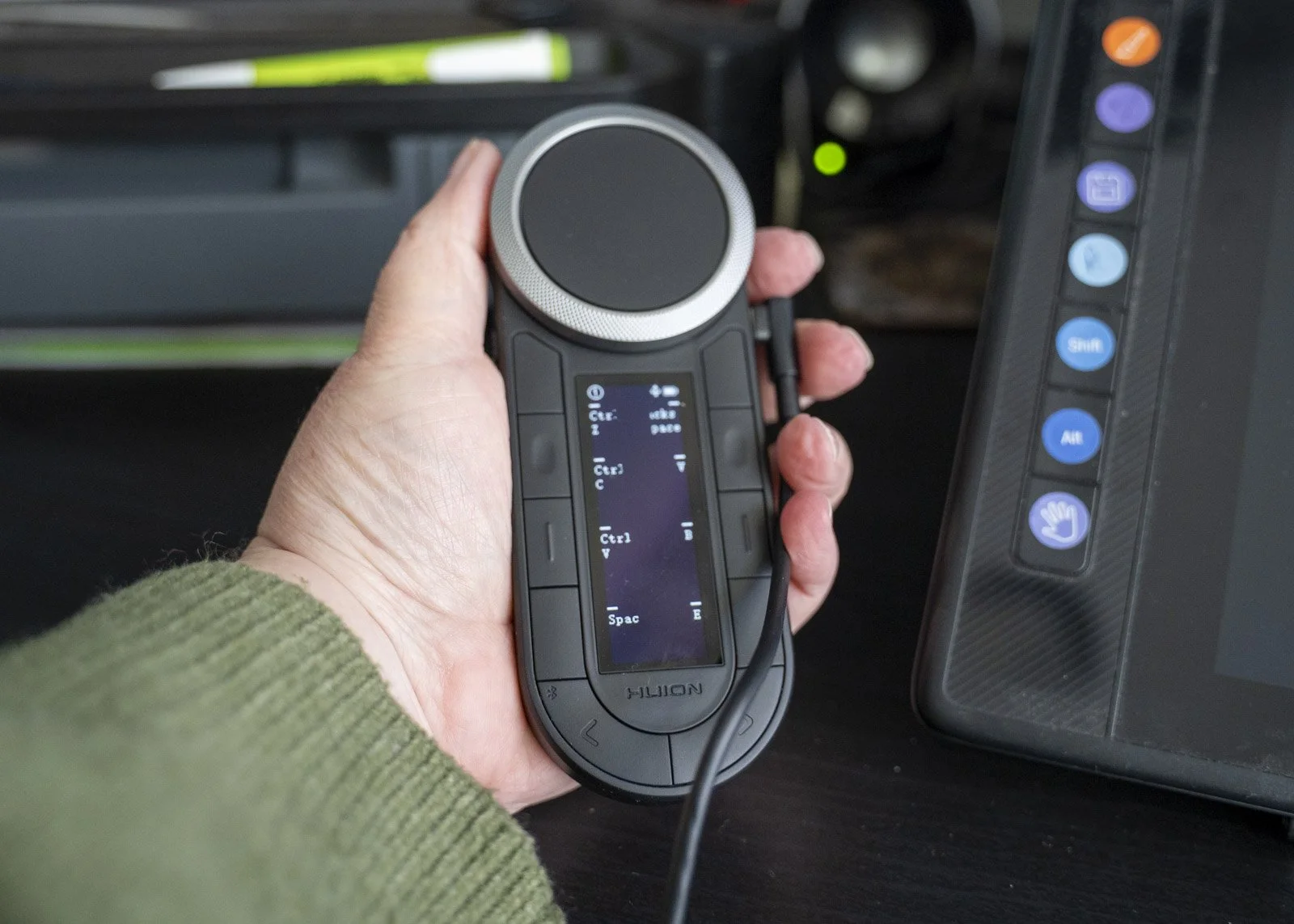
On the desk, it sits comfortably next to a tablet or keyboard, and the low profile means it does not hog space. It has a rubber back, so it doesn’t move or slip. The connection is stable, and it handles long editing sessions. It also fits comfortably in your hand, although some buttons are a bit of a stretch in smaller hands. If you want to pack it for travel, it is light enough to throw into your camera bag without a second thought.
The only real caveat is that you need to commit to using it. Like any shortcut device, it only becomes valuable when you build the muscle memory. If you are the type who abandons new tools after a week, it might gather dust. But if you enjoy a more tactile editing process or you want to reduce keyboard strain, it is a great addition to your setup. But trust me it does not take long to get a feel for it.
Pros
Compact, lightweight and well-built
Smooth, responsive dial that feels great to use
Fully programmable buttons with app-specific profiles
Wireless with good battery life
Works with a huge range of creative software
Improves speed and comfort once you learn your layout
Can be used left or right-handed
Can be used with mobile devices via Bluetooth (not cabled)
Can use on Windows, Mac, Android
Can be used with multiple devices
Cons
Requires some setup and habit-building to get the most out of it
Not essential for everyone, especially if you rarely edit
Buttons may feel small for users with larger hands
The battery is not replaceable
The remote does not bring up a virtual keyboard
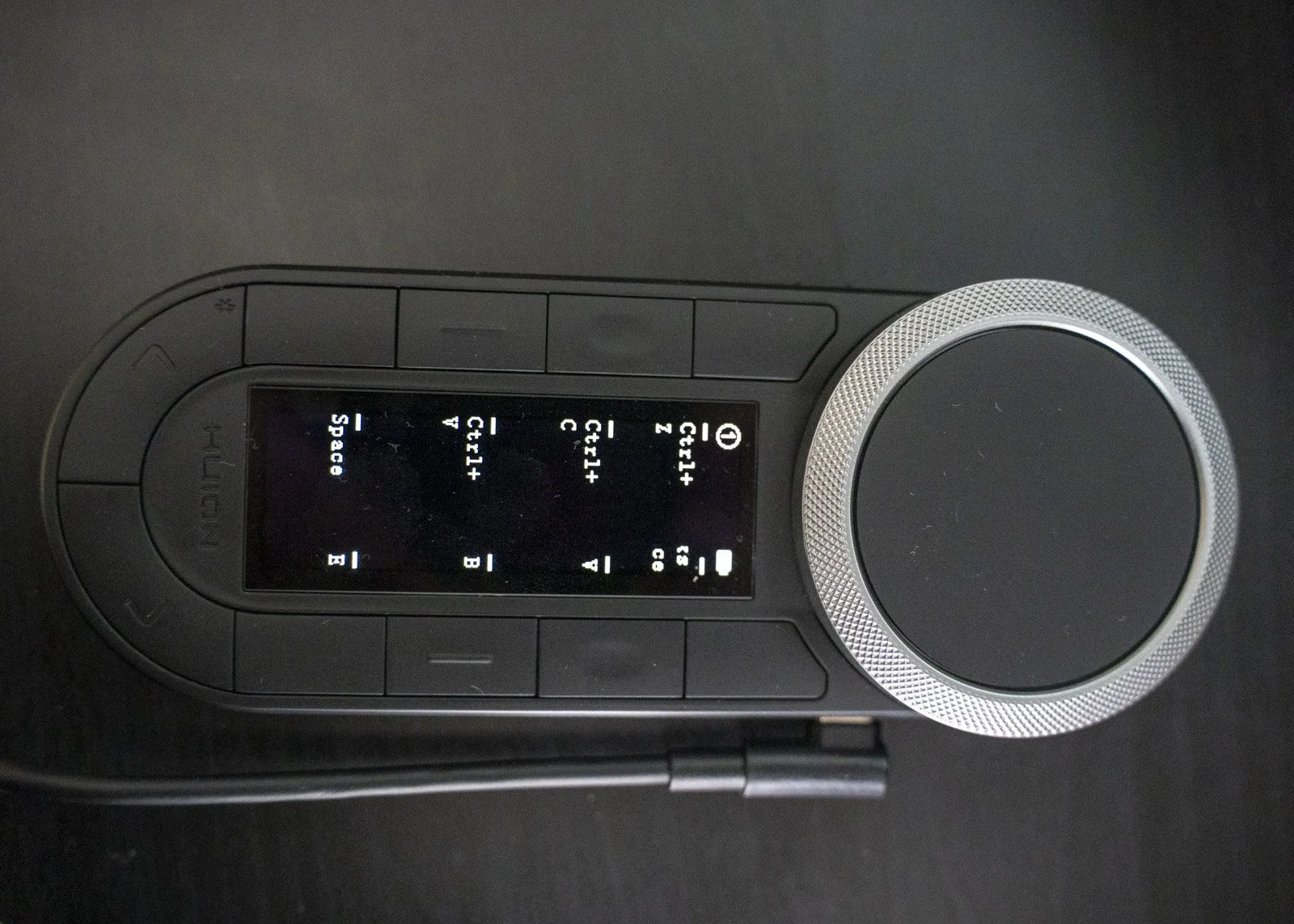
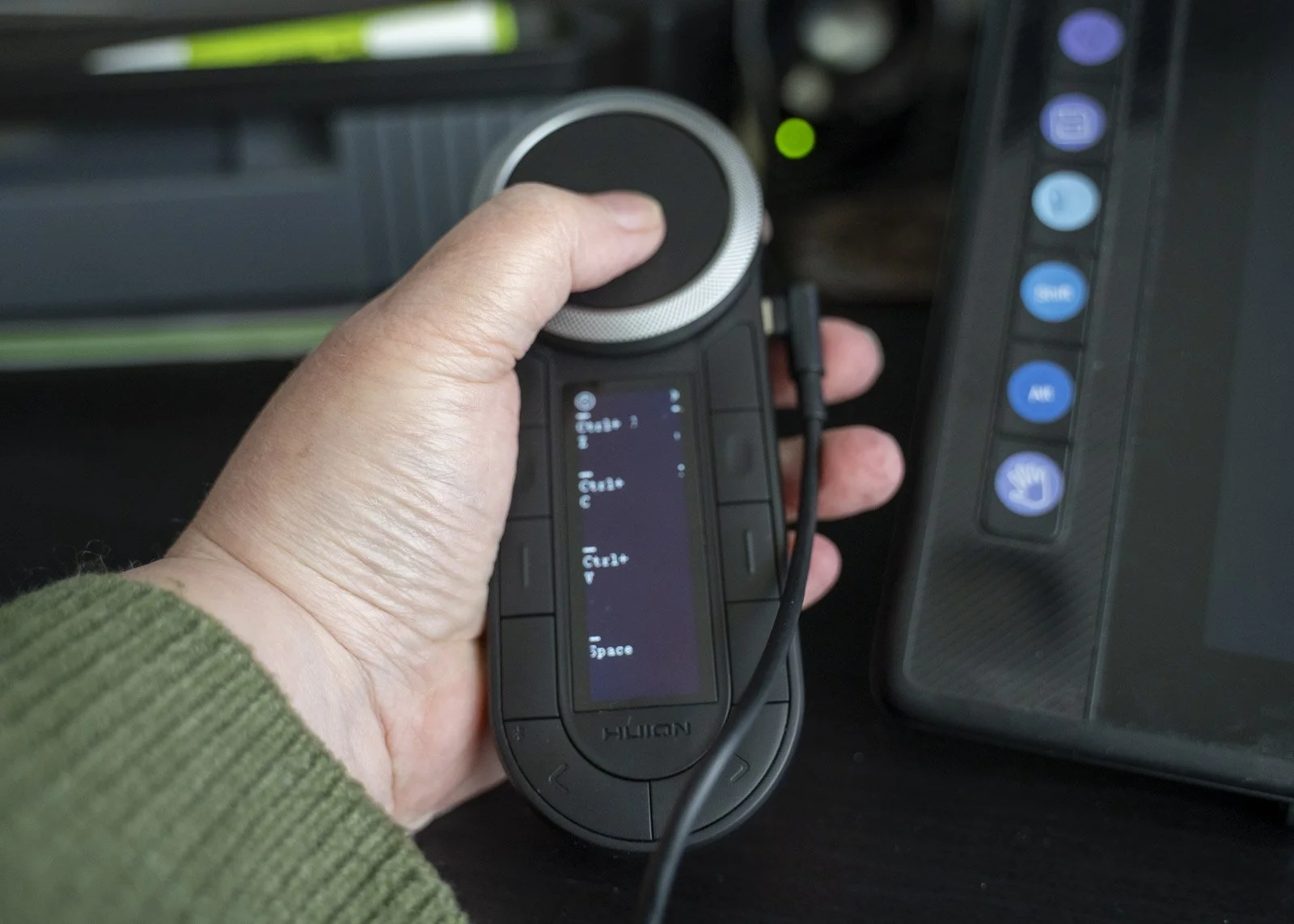
Huion KeyDial Remote K40 Specifications
General
Type: Wireless shortcut remote with dial (can be used with USB-C Cable)
Dimensions: 150 × 55 × 12mm (at the Dial - 20 mm)
Weight: 108 g
Material: Plastic
Buttons and Controls
Dial: 1 multifunctional rotating dial
Buttons: 10 programmable keys
Modes: Application-specific profiles supported
Customisation: Full key mapping via Huion driver software
48 Function keys, 12 Dial functions, 6 groups & 2 switch keys
Connectivity
Connection: 2.4 GHz wireless
USB Receiver: Included
Operating Distance: Approx. 5–10 m
Wired Mode: USB-C (charging and data)
Power
Battery: Built-in 1200 mAh Li-ion
Battery Life: Up to 70 hours of continuous use
Charging Time: Approx. 1.5–2 hours
Charging Port: USB-C
Compatibility
Operating Systems: Windows, macOS, Android (via Bluetooth)
Supported Software: Photoshop, Lightroom, Illustrator, Capture One, Aperty, Luminar Neo, and other major creative apps
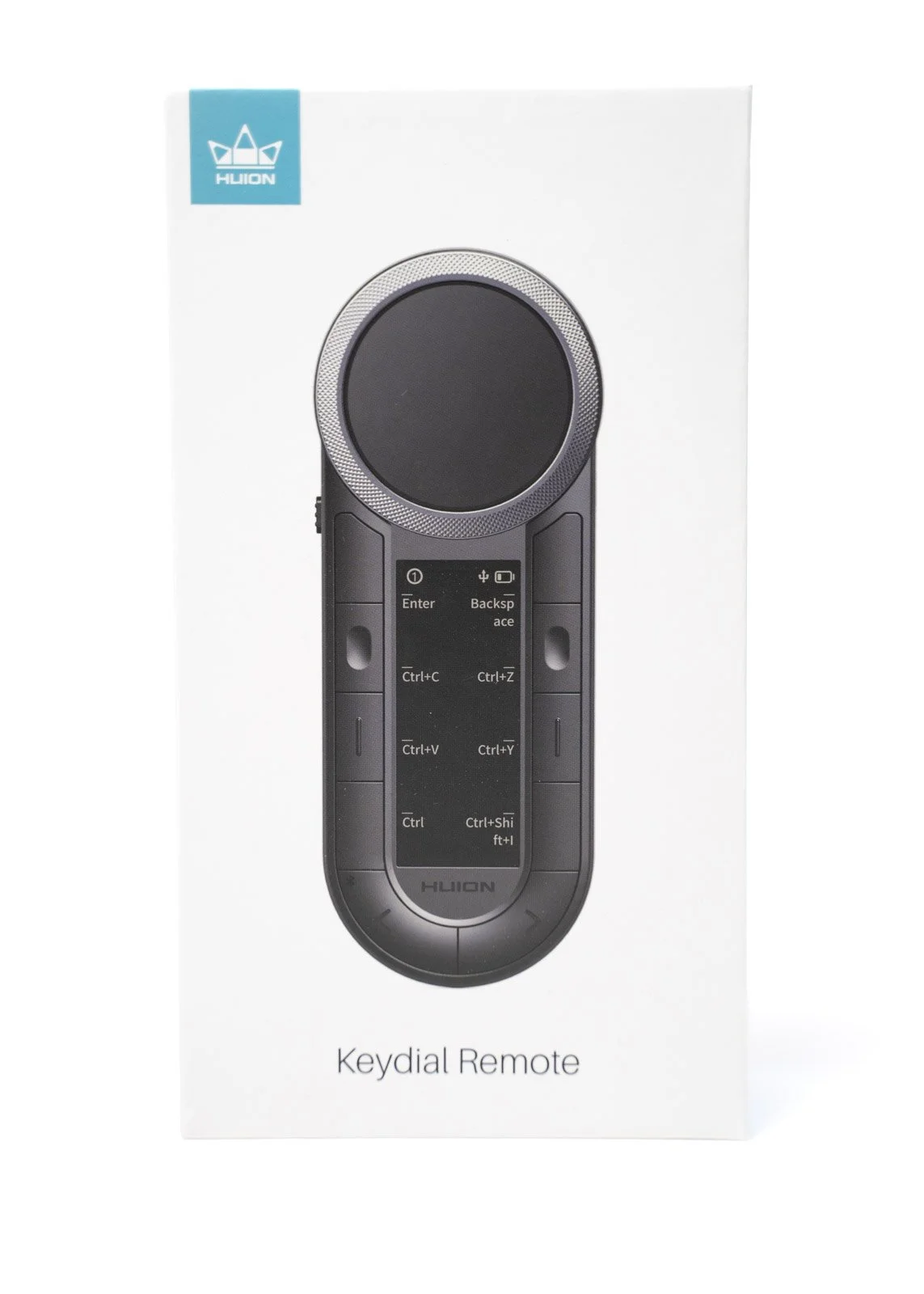
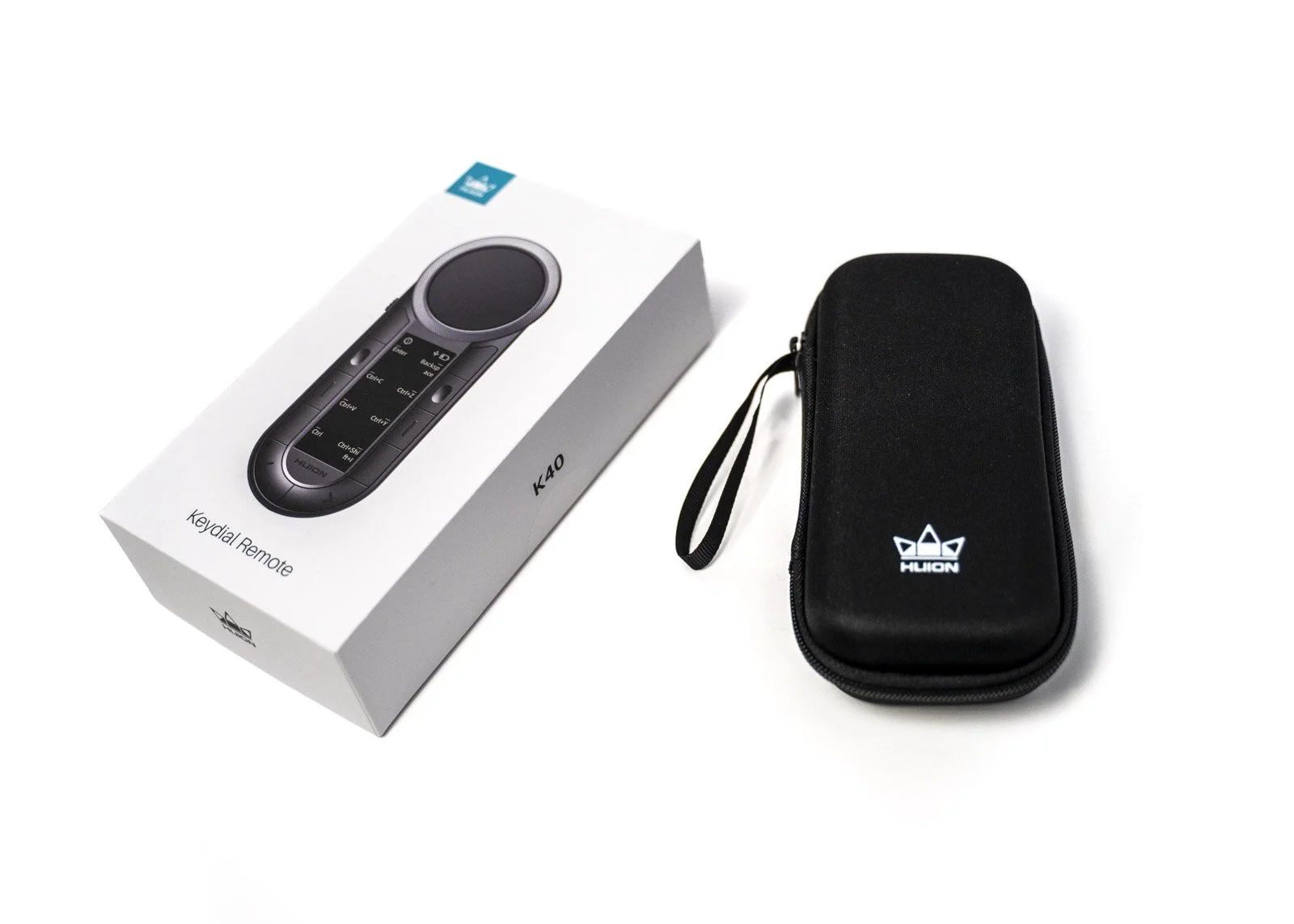
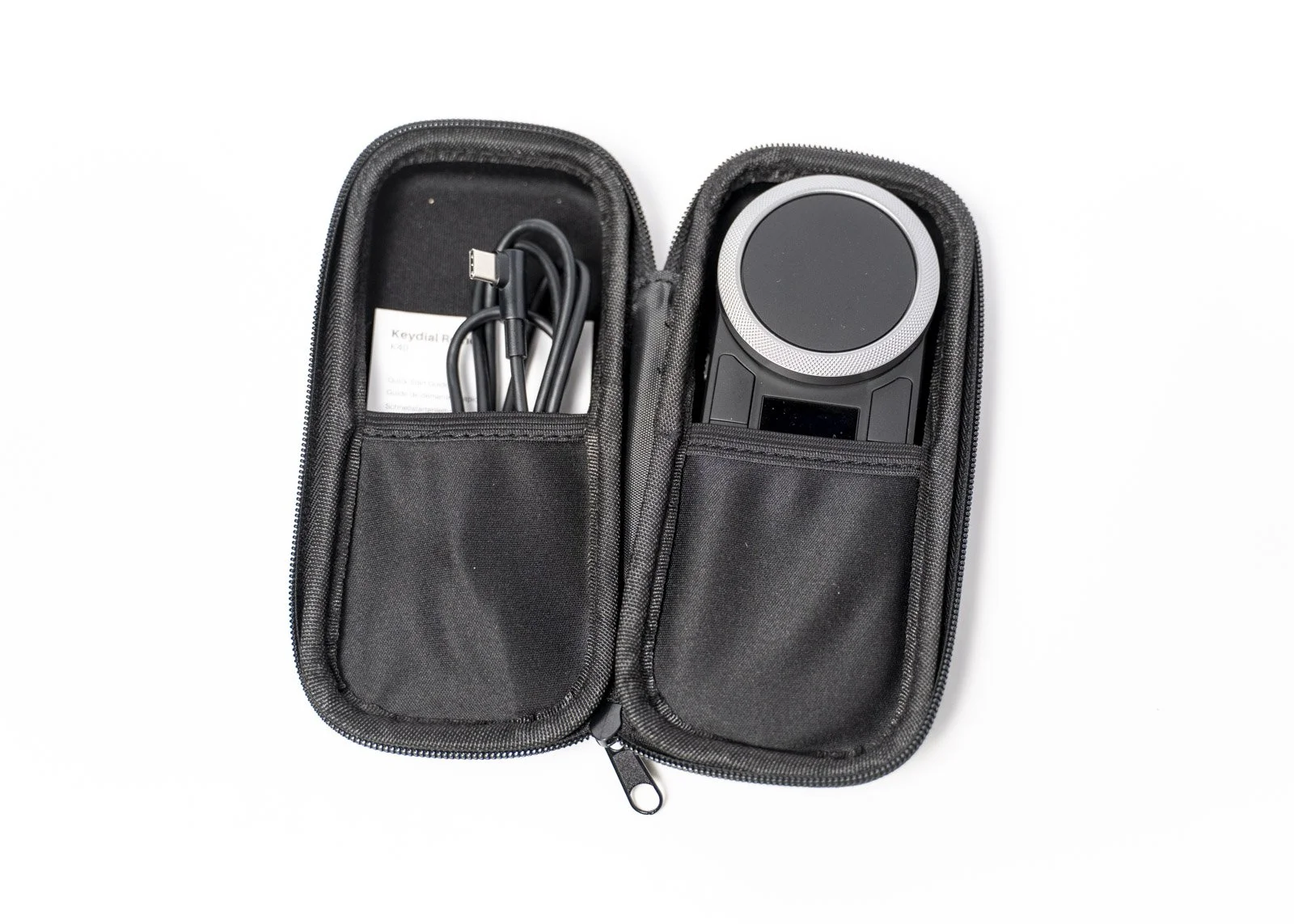
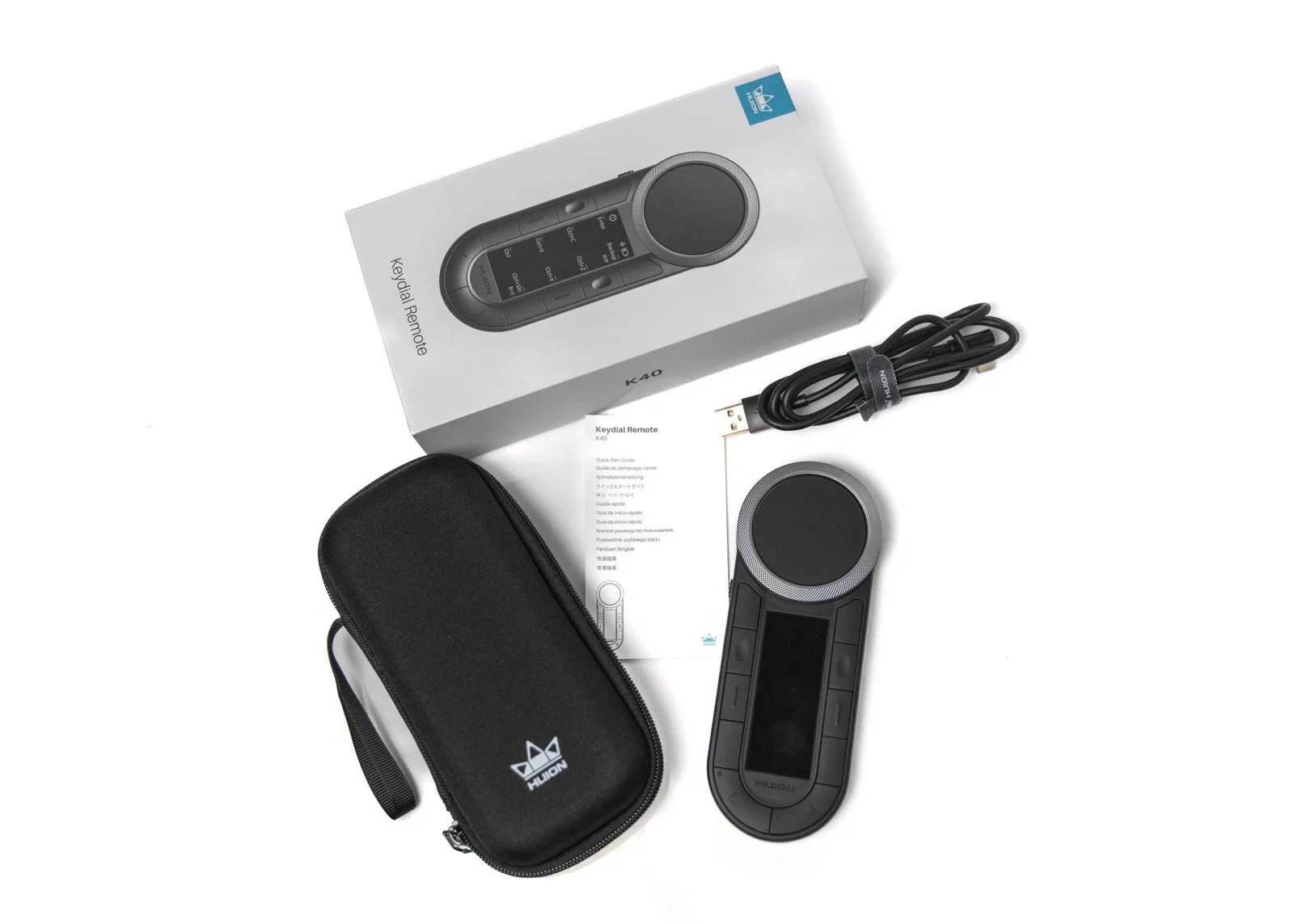
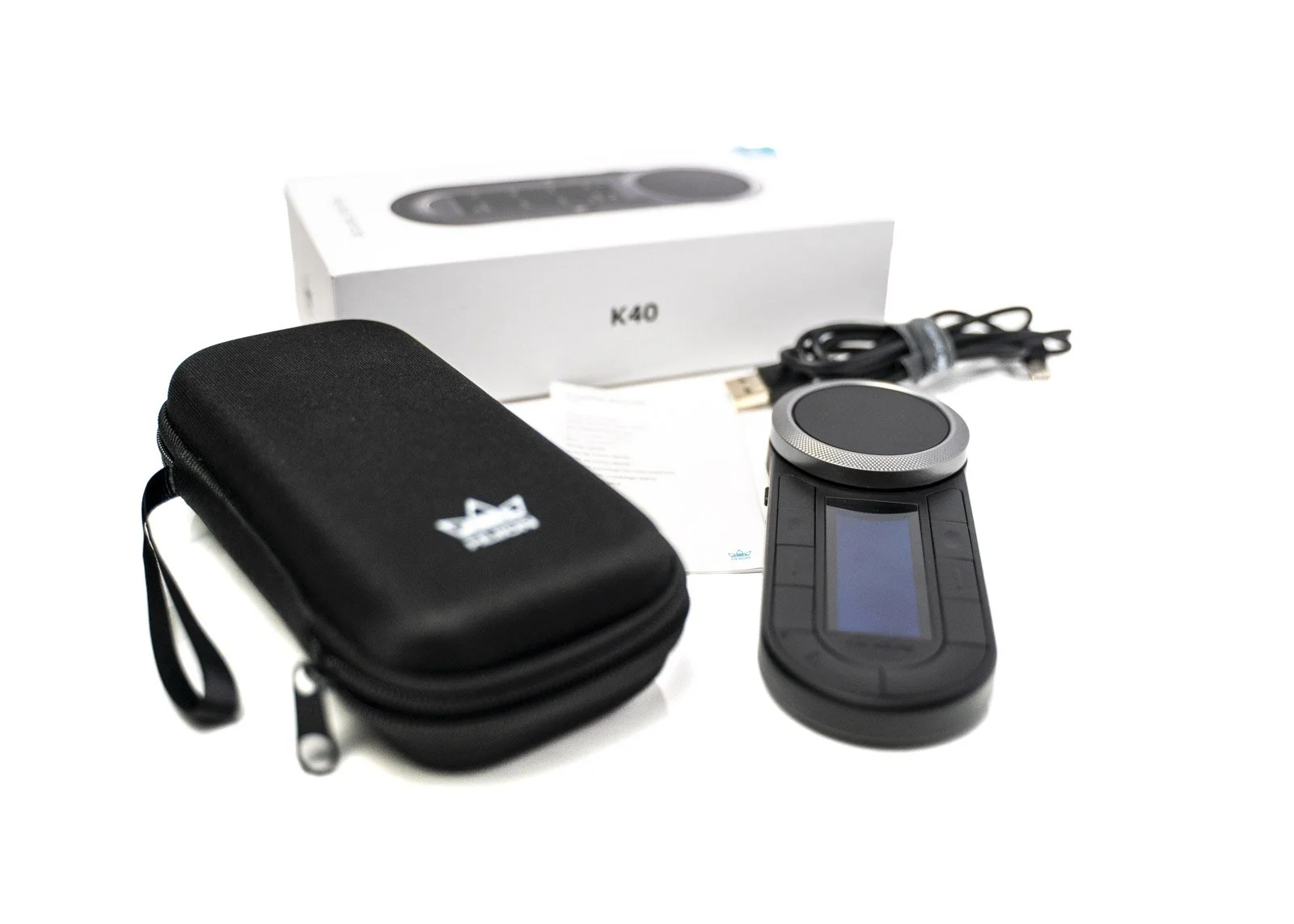
Included in the Box
Huion KeyDial Remote K40
USB-C charging cable
Carry Case
2.4 GHz wireless receiver
Quick start guide (download the manual from the website)
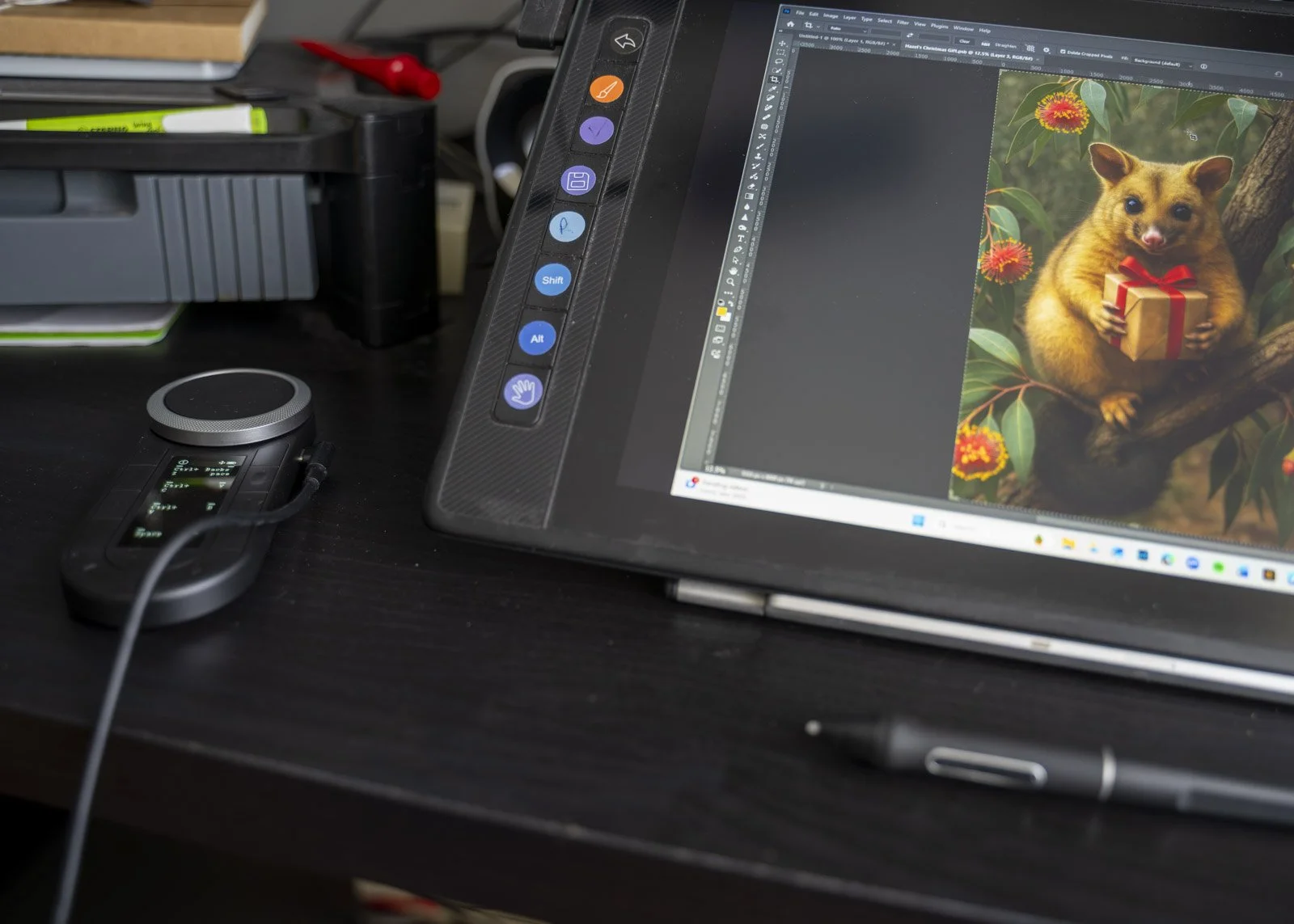
Sample artwork using the Huion Kamvas 16 Pro and Keydial Remote, check out the Speed Edit of Hazel’s Christmas Gift on YouTube.


Final Thoughts
The Huion KeyDial Remote K40 is a surprisingly handy little controller that makes editing feel more intuitive. If you spend a lot of time in Photoshop, this can genuinely boost your comfort and efficiency. It is not a magic wand, but it is a clever tool that earns its place in a creative workflow. Oh, and I also have the older style Keydial Mini…I loved that, but oh, this is wonderful, and it’s the perfect companion for the Huion Kamvas Pro 16 Tablet.