Huion KeyDial K40 vs KeyDial Mini: Which One Should You Buy?
If you’ve been eyeing off Huion’s shortcut remotes to speed up your editing, you’ve probably come across two popular options, the KeyDial Mini and the newer KeyDial Remote K40. I’ve used both in real editing sessions, from retouching creative portraits to fine-tuning still-life details, so this isn’t a spec-sheet comparison. This is how they actually feel to use.
Both devices aim to take some pressure off your hands, keep your workflow smooth and reduce how often you need to reach for the keyboard. They just solve those problems in slightly different ways.
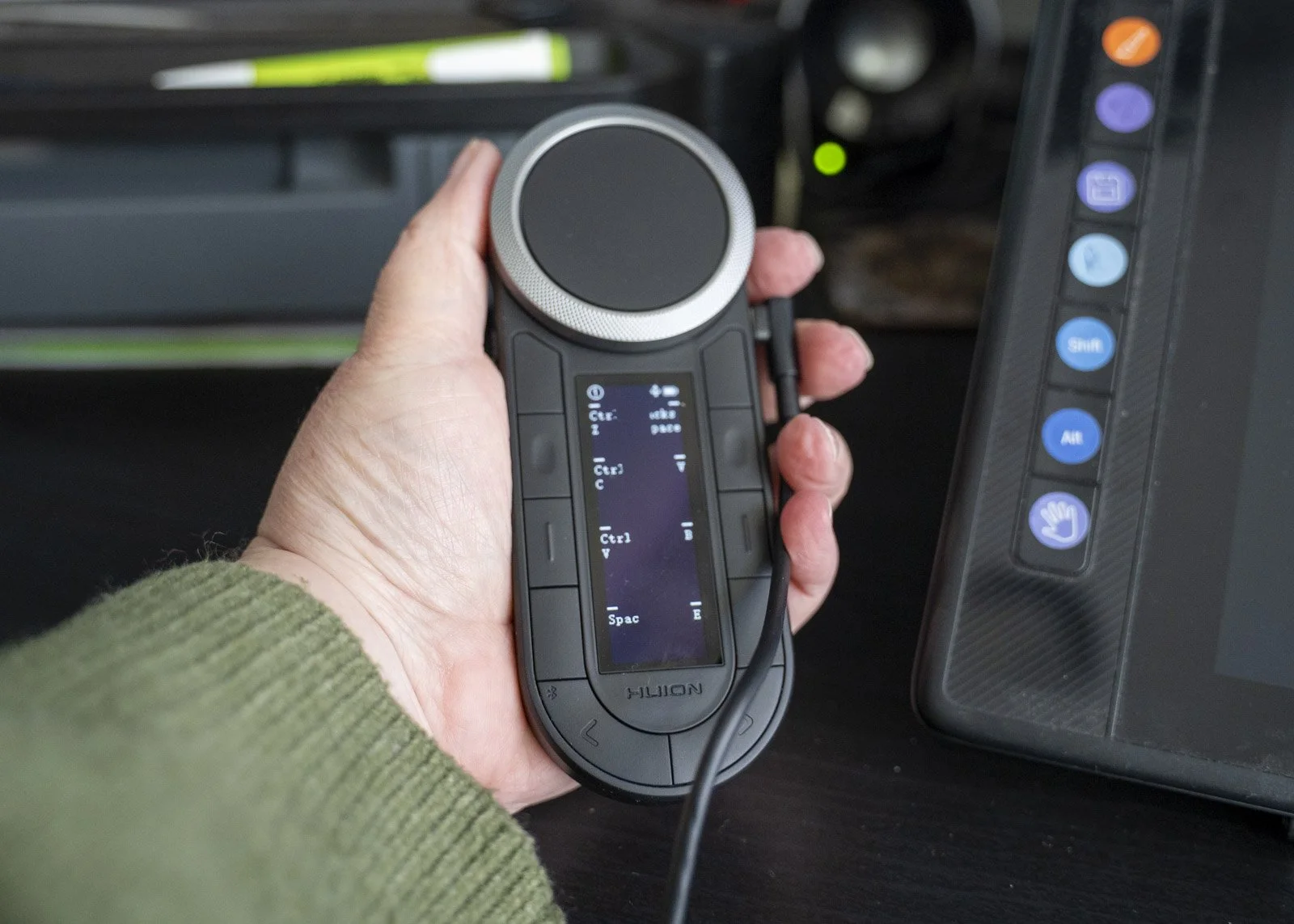
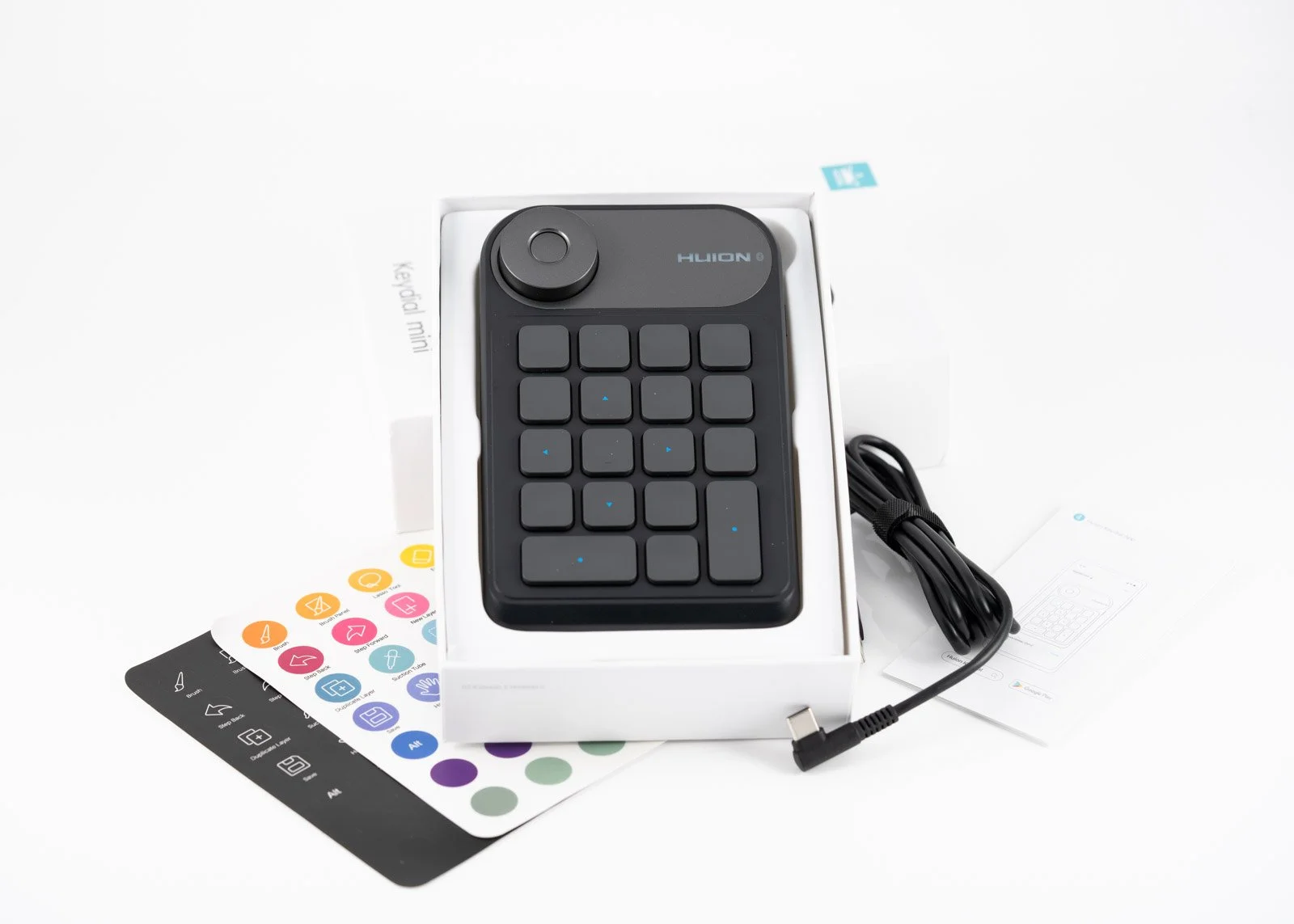
Size, Handling and Comfort
One of the things I loved most about the KeyDial Mini when I first reviewed it was the size. It didn’t take over the desk or demand a whole new setup. It was the little helper I didn’t know I needed, especially for quick edits or working on the go.
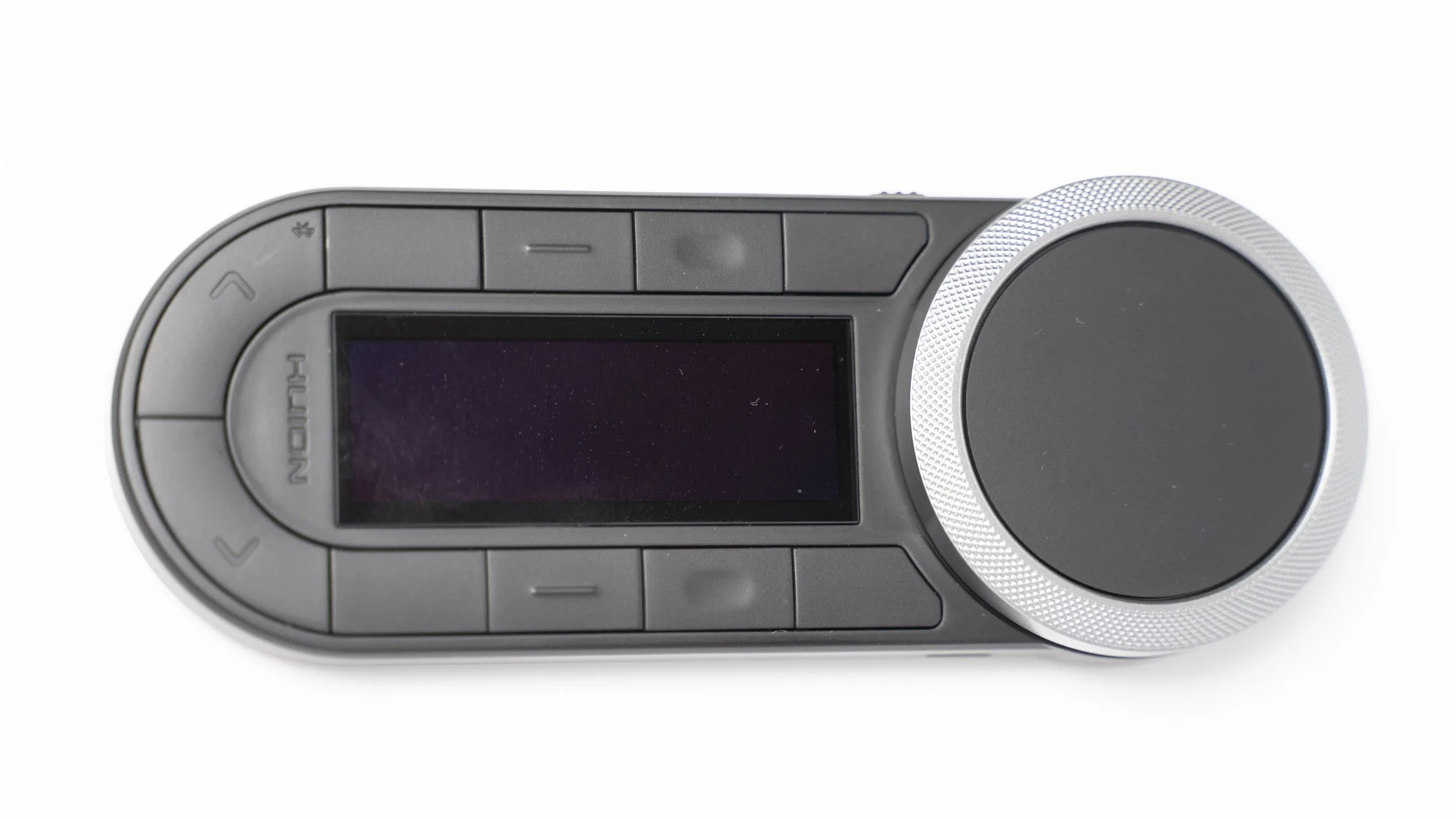
The K40 keeps that compact footprint but feels more comfortable for longer sessions. The dial has more space around it, the buttons are a little smaller, and the whole unit feels more considered in the hand. If you often edit for hours at a time, your fingers will thank you.
Mini: ultra compact, perfect for travel, solves the problem without adding clutter.
K40: still compact but more ergonomic and easier on the hands over a full session.
The Dial, Because It Matters More Than You Think
The dial is one of the most useful features on either device. You don’t realise how much time you spend dragging sliders until you use one.
On the Mini, the dial is functional and accurate enough for day-to-day editing. But you do need to switch between setups.
On the K40, the dial is simply nicer. Smoother, more refined and easier to control during detailed work. There is an inner and an outer ring. The difference is remarkable when switching between brush sizes, zooming in and out etc.
If you’re doing a lot of precision work, the K40 feels like an upgrade you didn’t know you wanted.
Shortcut Customisation
The Mini gives you a practical number of buttons and the freedom to map them to whatever you use most often. It worked well when my workflow was simpler and I mainly wanted quick access to brush size, zoom and a handful of tools.
The K40 adds more buttons and better controls, which means more flexibility as your editing habits evolve. If you jump between Lightroom, Photoshop, etc it’s handy having more options to play with.
Mini: simple and effective.
K40: more room to grow.
Portability
This is where the K40 shines. You can toss it into your camera bag or laptop sleeve without thinking. It’s a great travel companion. Comes in a handy case and you can connect it to more than one device.
The Mini is portable too, just not quite pocket-sized. I still take it on trips, but it’s clearly designed as more of an at-home editing station piece.
K40: best for travel or working lightly.
Mini: best for home-based or deeper editing sessions.
Learning Curve
The Mini felt natural within a couple of sessions. It was simple enough that I built muscle memory quickly.
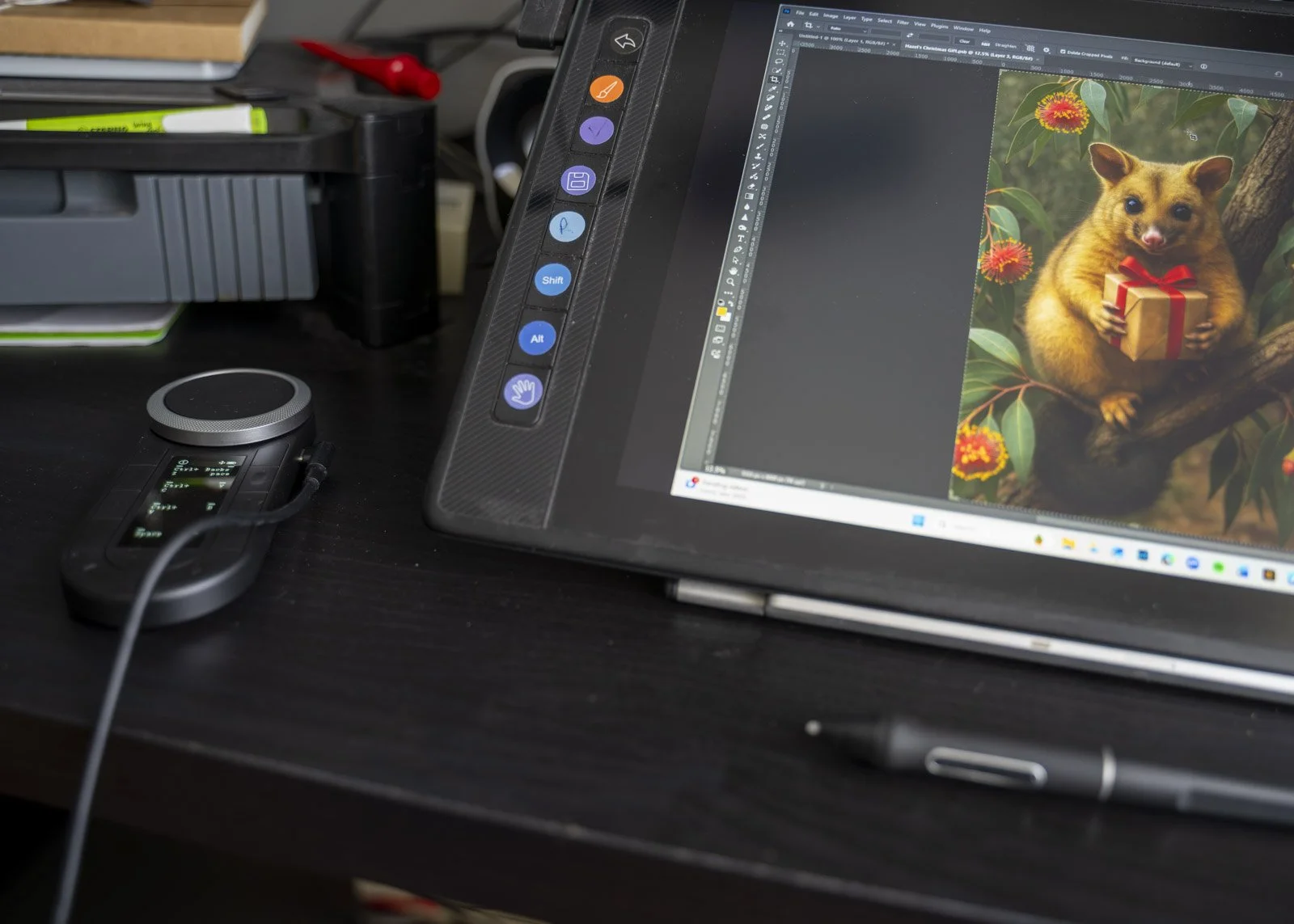
The K40 offers more options, which means it takes a little longer to customise and commit to. But once you get into the rhythm, it’s a faster and more capable tool. Also no need for stickers as you can name all your shortcuts.
Mini: immediate and intuitive.
K40: small investment, bigger payoff.
So Which One Should You Buy?
It depends entirely on how you work.
Choose the KeyDial Mini if:
you want something small and simple
your workflow only relies on a few key shortcuts
you want the cheapest way to speed up your editing
Choose the KeyDial K40 if:
you edit for long periods
you often edit while travelling
you want more shortcuts and a smoother dial
your workflow spans multiple programs
you want a more comfortable, flexible everyday tool
Both are useful. The Mini feels like the missing puzzle piece you add when you want life to be easier. The K40 feels like the refined version of that idea, built for photographers and artists who spend a lot of time polishing their images.