SJCAM C400 Review
Tiny Camera, Big Behind-the-Scenes Energy
I’ll start with context. I own and love the C300. It lives in my kit. It’s on light stands, hot shoes, wedged between props, or suction-cupped to something mildly questionable. It records almost every behind-the-scenes clip from my workshops and creative portrait shoots.
So when the SJCam C400 landed, the obvious question was… does it earn a spot next to the C300, or is it just “another action cam”?
Short answer: if you create educational content, behind-the-scenes footage, travel reels, or workshop coverage, the C400 makes a lot of sense.
Please note: SJCam sent me the C400 to test and review, but all thoughts are my own.
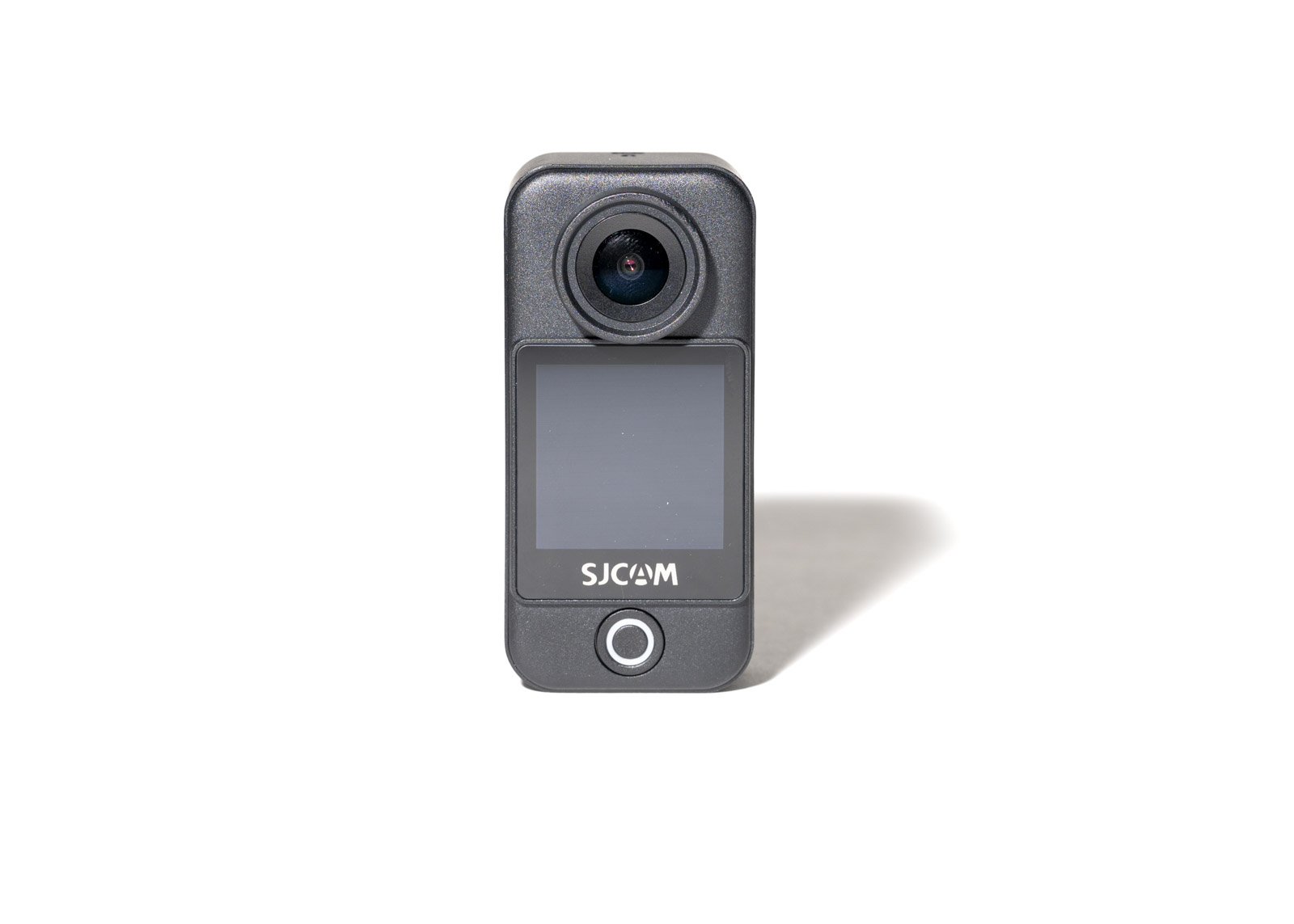
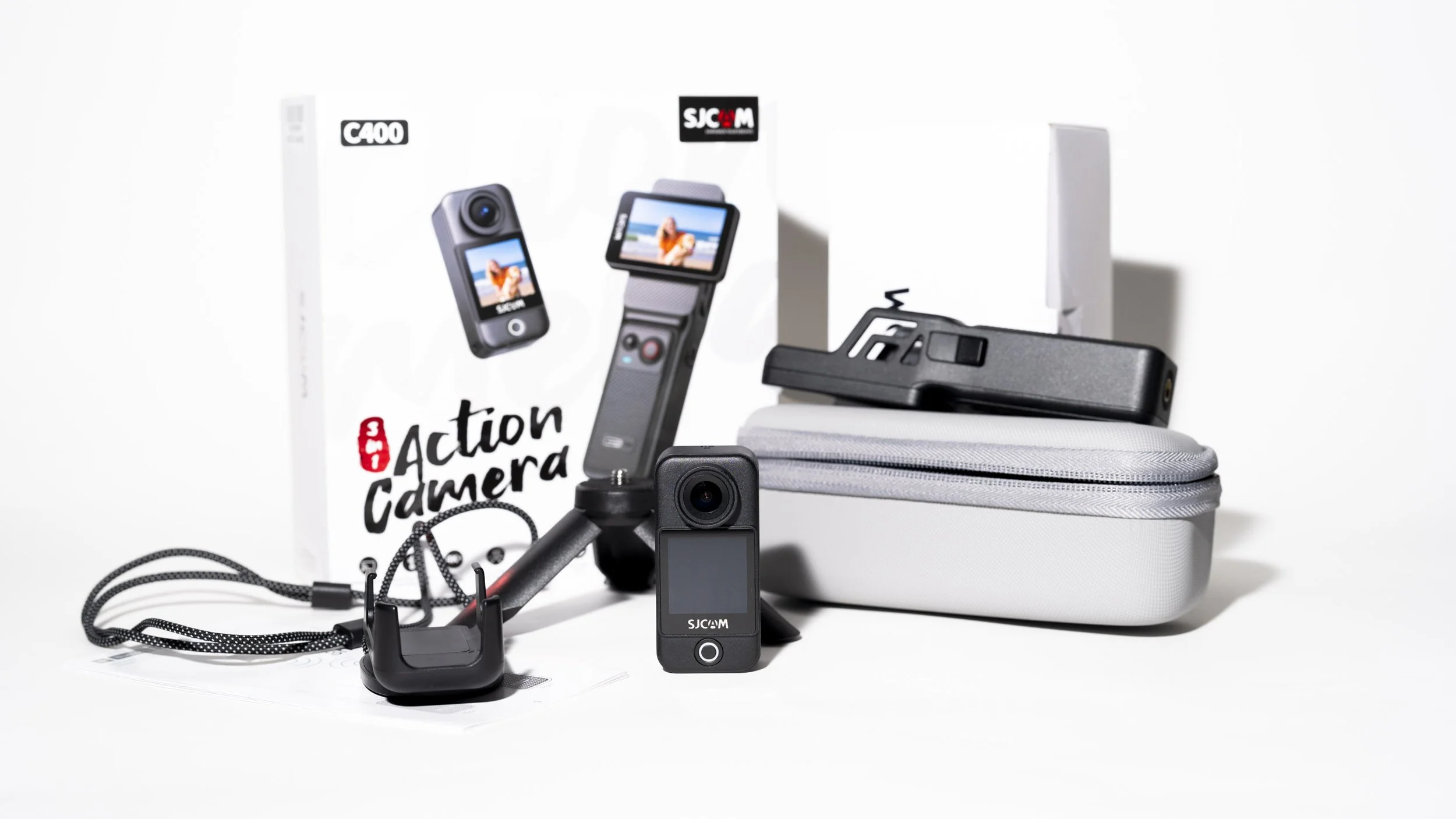
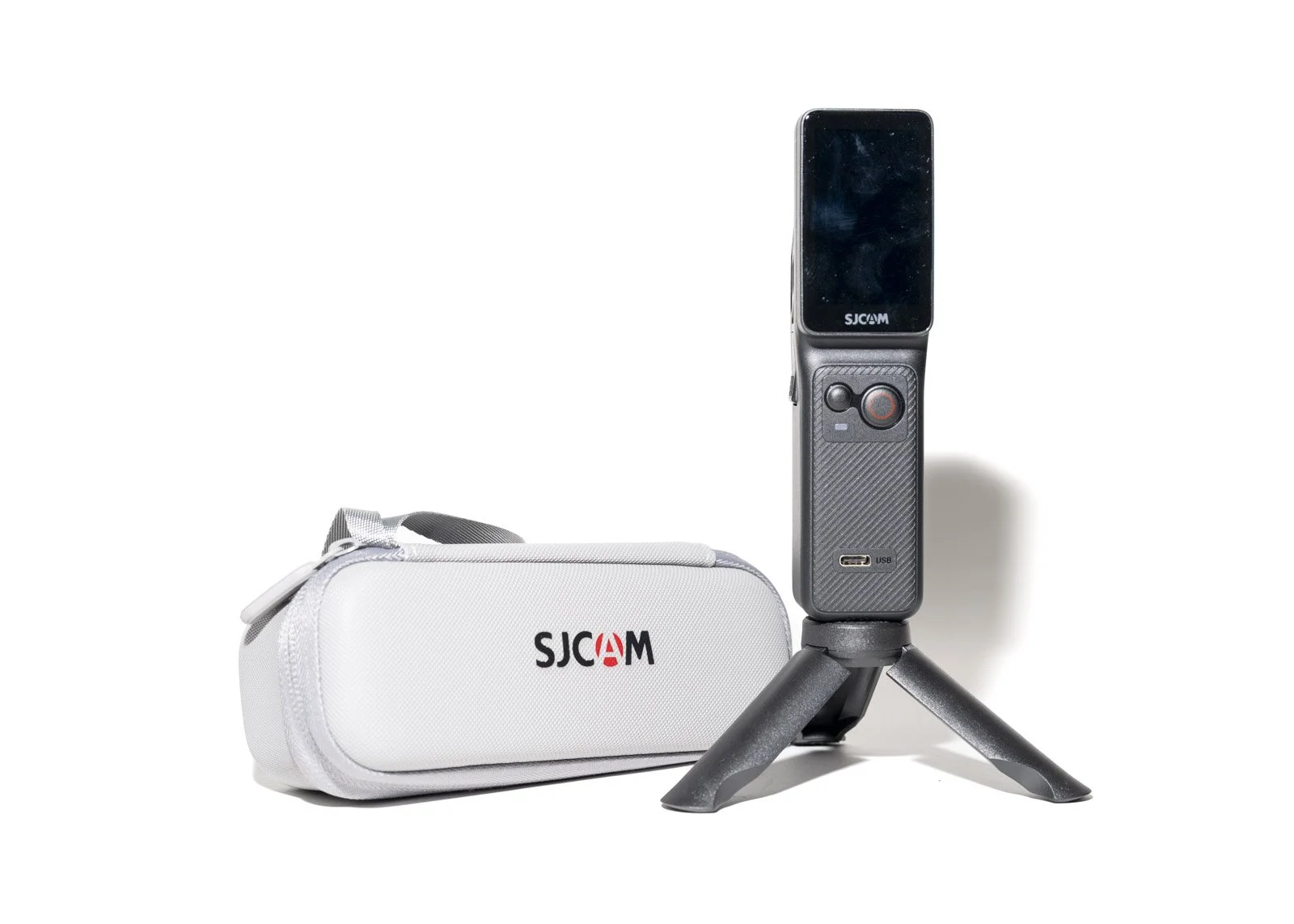
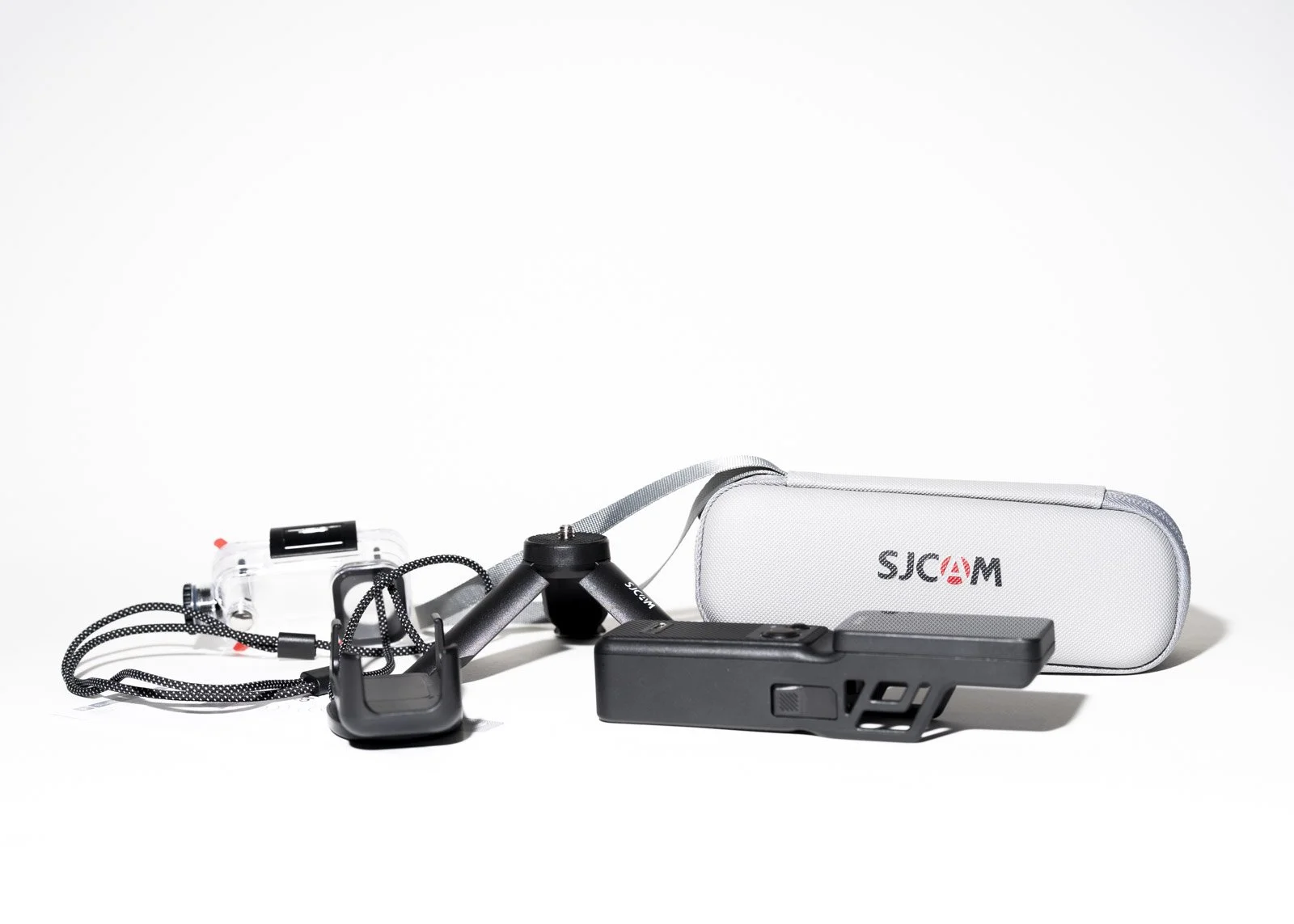
SJCAM C400 Action Camera
First Impressions
The C400 keeps that compact, lightweight action-camera feel but adds refinements that matter if you’re using it for content creation, not just mountain biking down a cliff.
It’s small enough to mount almost anywhere in the studio. On top of a mirrorless body. Clipped to a tripod leg. Mounted overhead for a splash workshop. No drama. No bulk. No complaining wrists.
For someone who already runs strobes, triggers, foggers, props and models in one session, small and simple is gold.
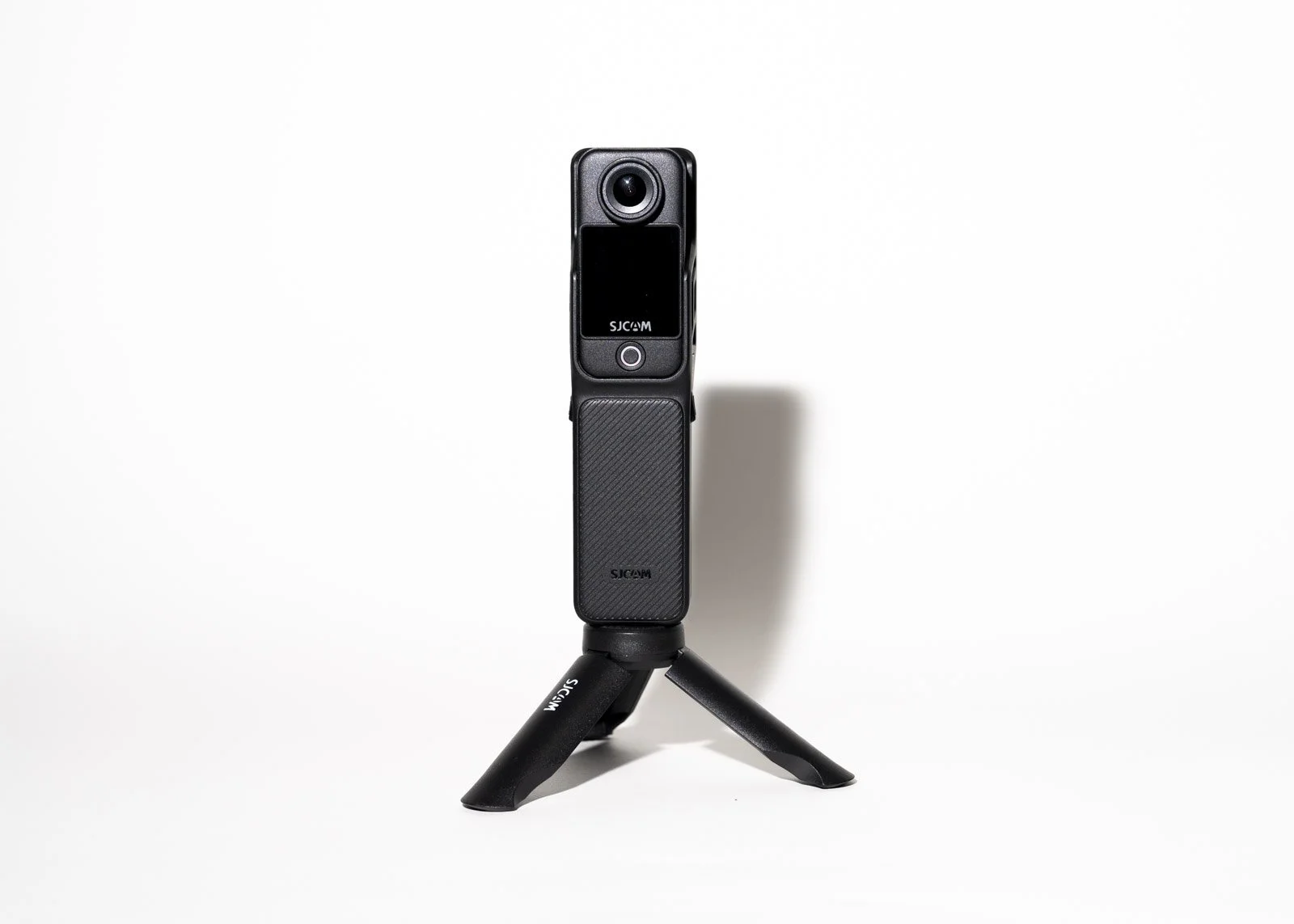
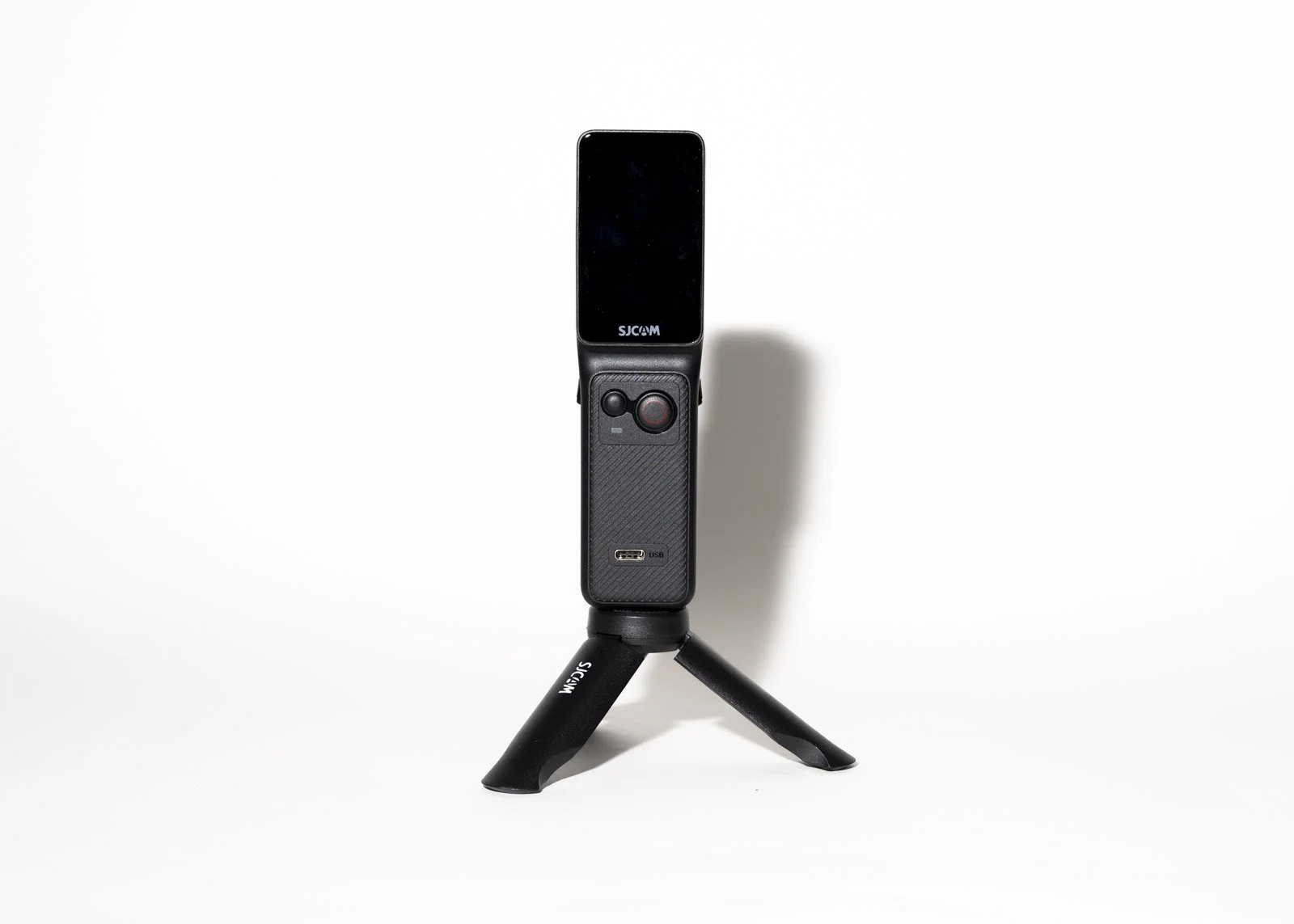
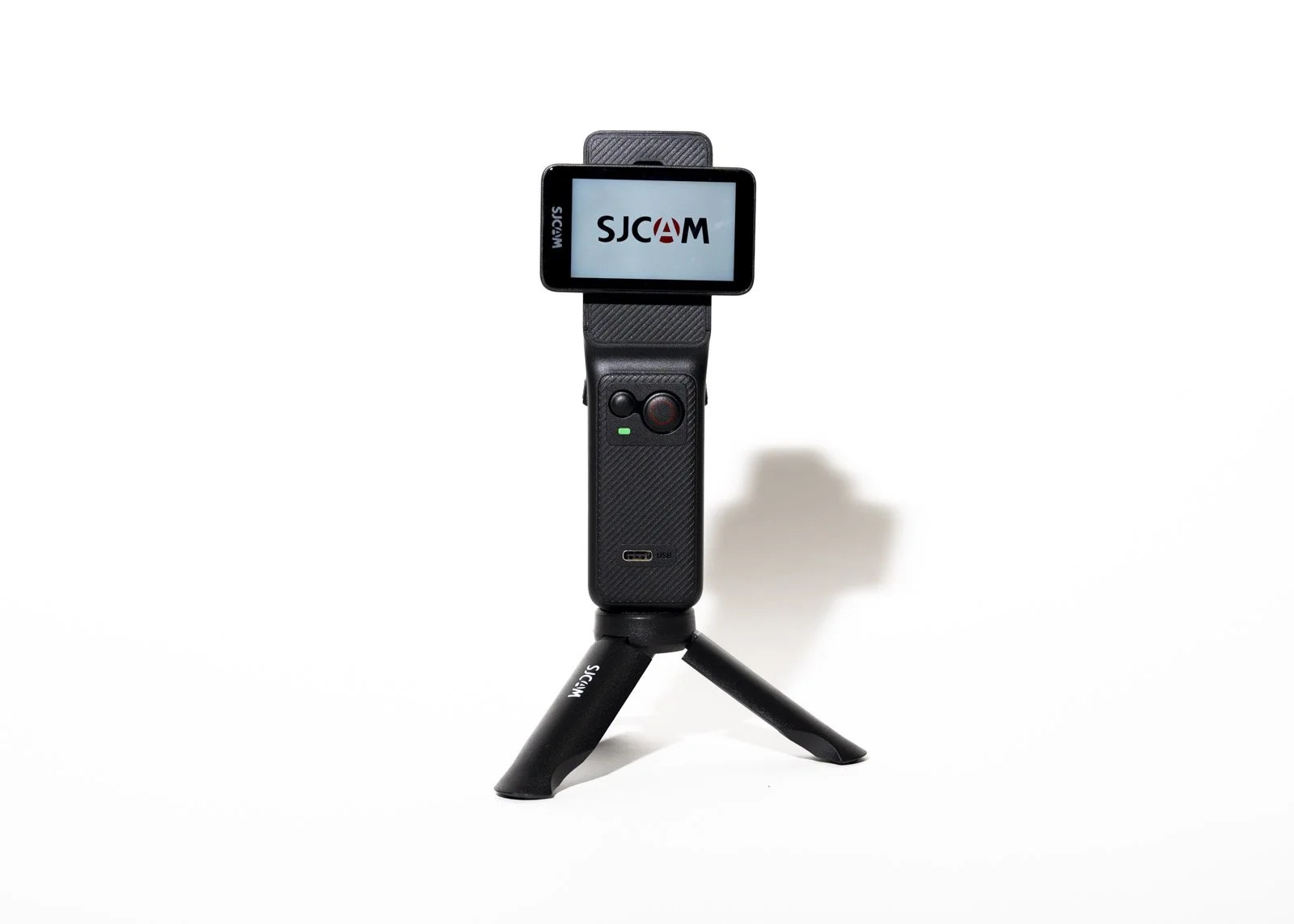
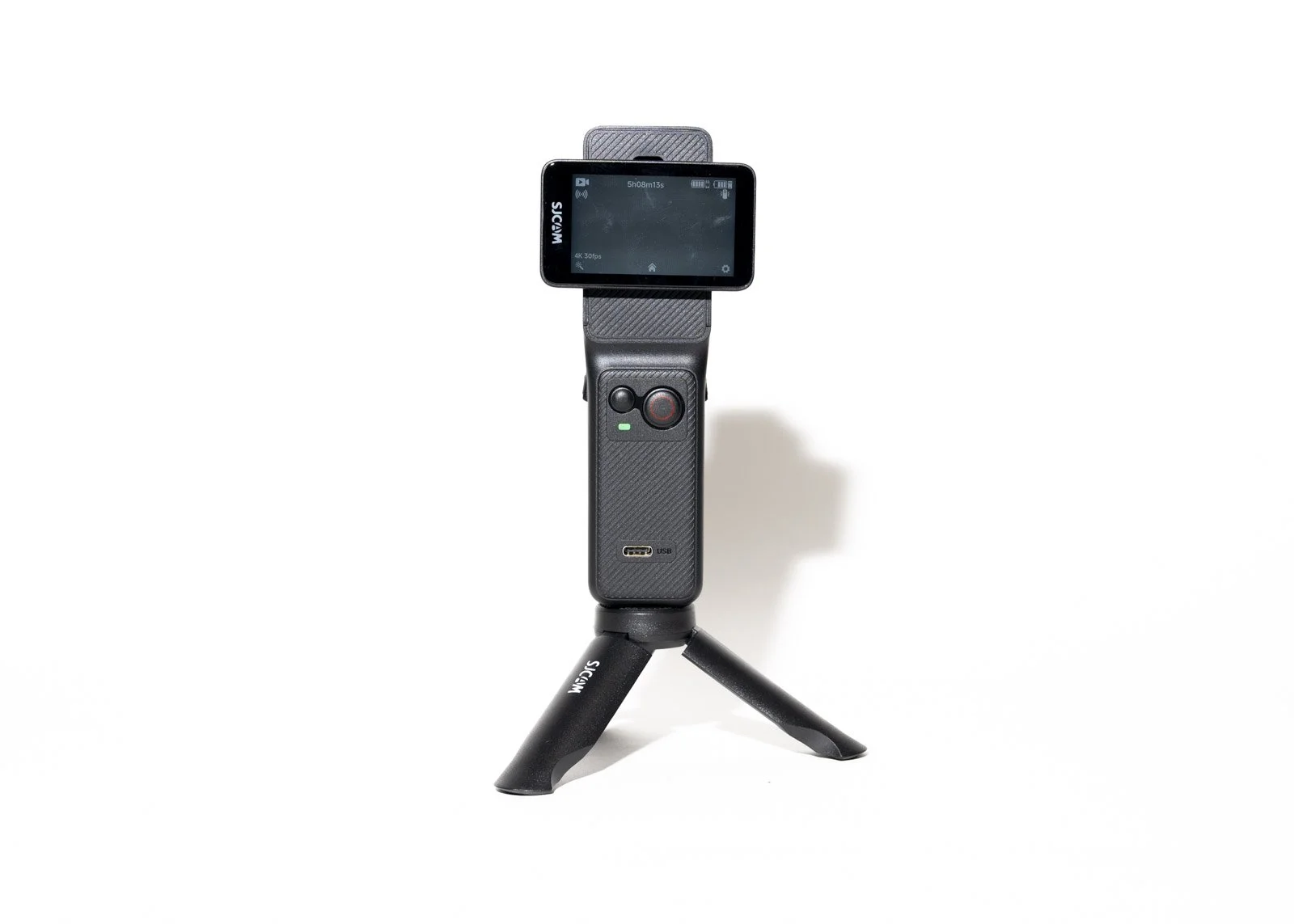
Key Specifications
4K video recording (up to 60fps)
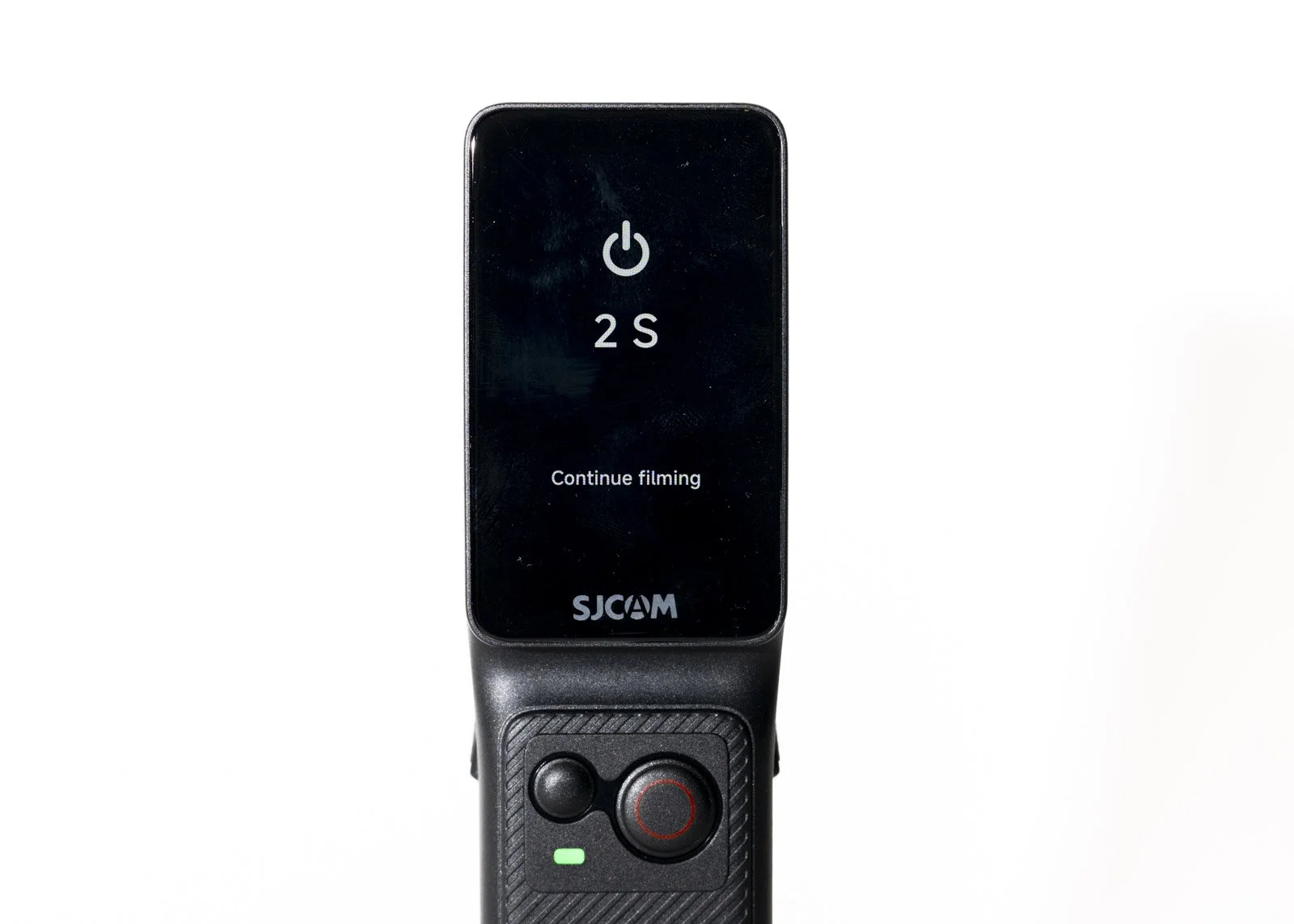
2.33” HD touchscreen (rear)
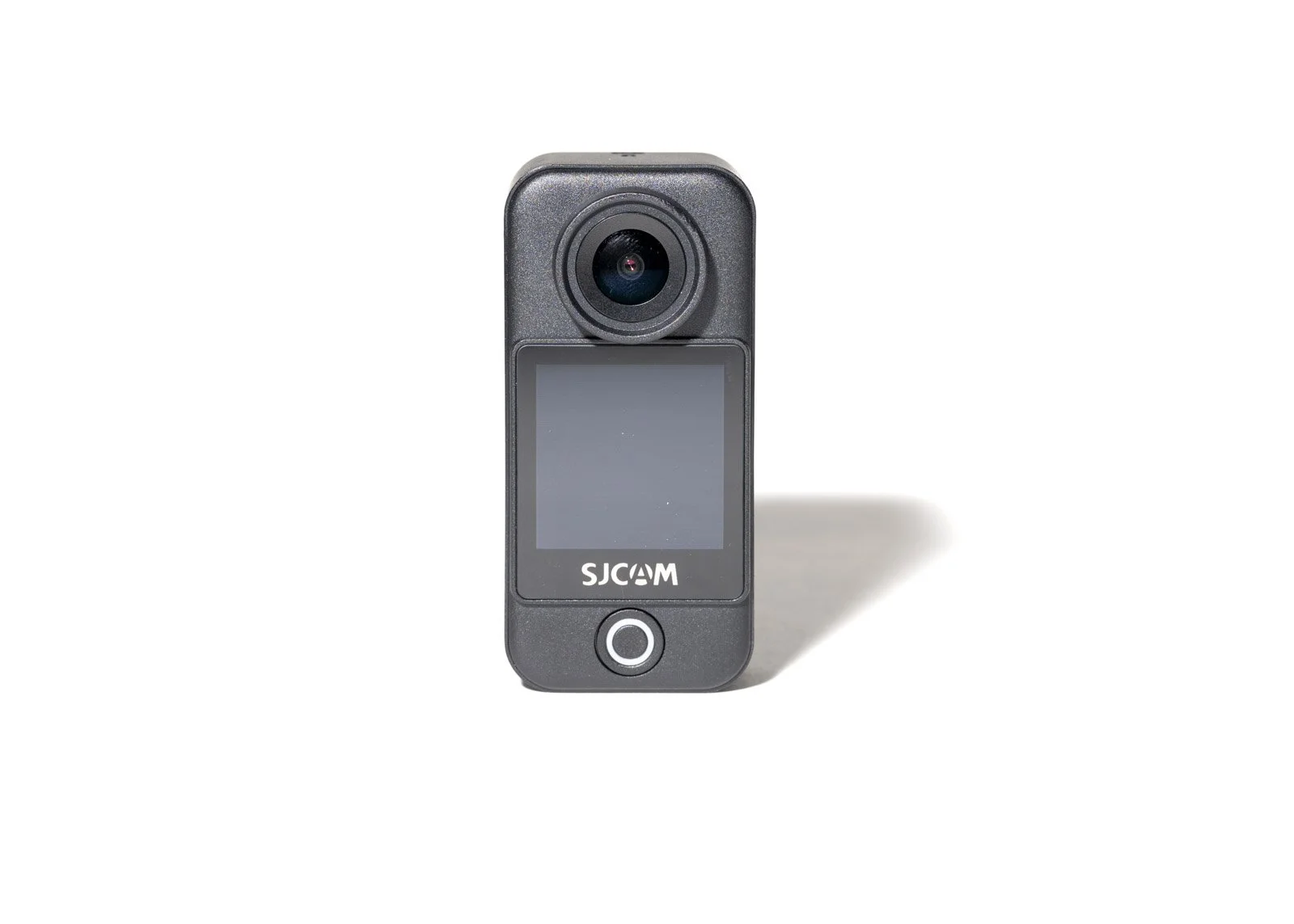
Front screen for framing
5GHz WiFi connectivity
Electronic Image Stabilisation (EIS)
Waterproof up to 30m (with housing)
Wide-angle lens
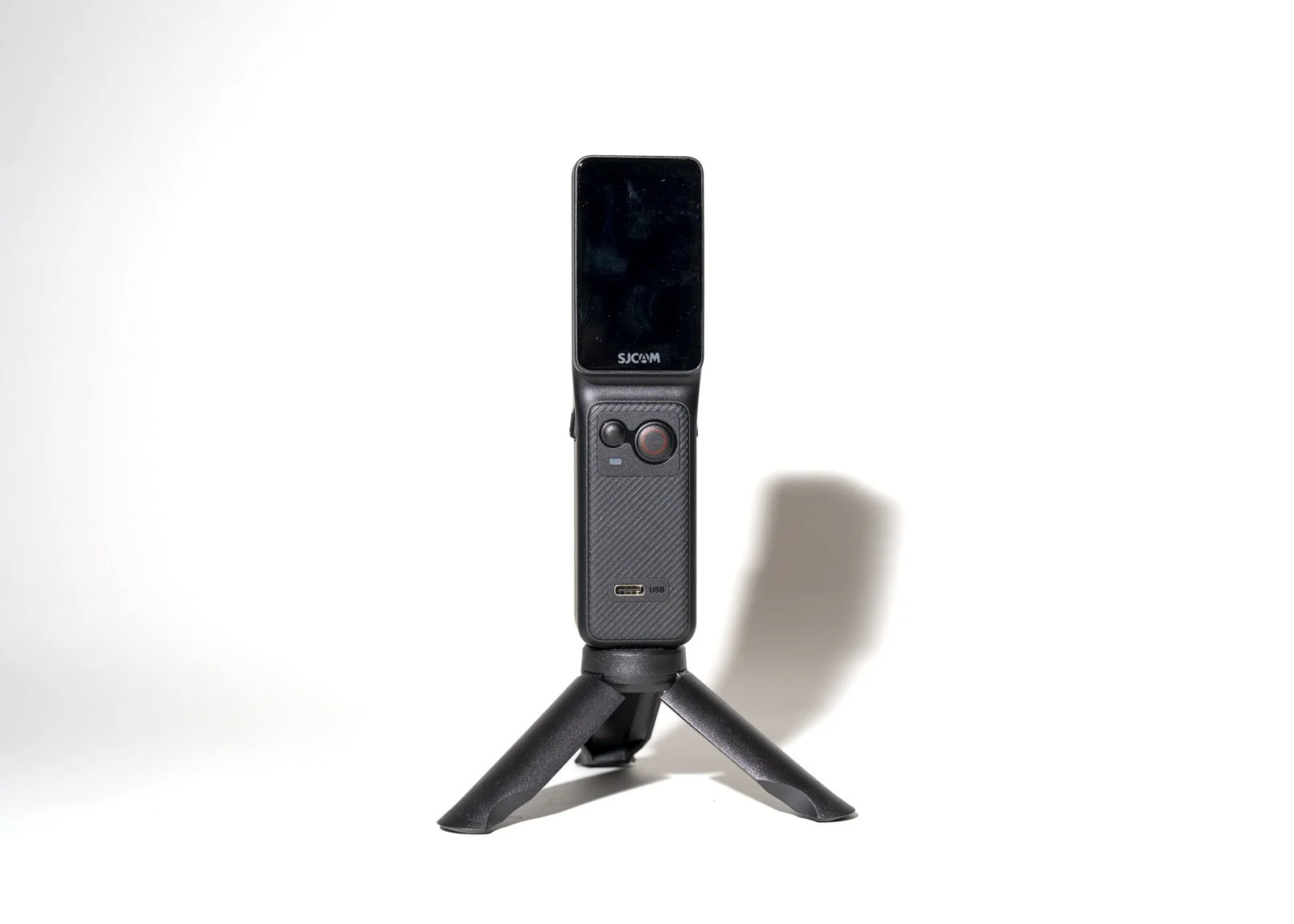
USB-C charging
Removable battery
What I Like (Especially for Workshops & BTS)
1. Dual Screens
If you talk to camera, the front screen is genuinely useful. You can frame yourself properly without guessing or filming your forehead for 12 minutes. Ask me how I know.
For workshop coverage, it’s brilliant when you’re explaining lighting setups or walking through a scene.
2. 4K 60fps
For behind-the-scenes footage, 4K gives you flexibility. You can crop, stabilise, reframe, and still maintain quality for YouTube or reels.
If you’re documenting portrait photography, fog effects, hair flicks, or fast movement, the higher frame rate helps keep things clean.
3. Size & Mounting Flexibility
This is where it shines for creative educators.
I can:
Mount it on a light stand pointing down at a set
Clip it behind a model for over-the-shoulder angles
Attach it to my main camera for POV
Stick it in awkward corners where a mirrorless body would never fit
When you’re juggling strobes and TTL flash setups, you don’t want a bulky second camera getting in the way.
4. Stabilisation
The electronic image stabilisation is solid for most situations. However I found POV on the fob/lanyard was just too jerky. I found it OK for handheld walk-and-talk segments. It’s not gimbal-level smooth, but for casual movement around a studio or location shoot, it absolutely holds up.
For travel diaries or workshop recaps, it keeps things usable without extra gear.
Real-World Use in a Photography Business
Here’s the thing. Action cameras aren’t just for surfing and off-roading
In a photography education business like mine, they’re:
BTS content generators
Social proof machines
Reels and YouTube filler gold
Workshop recap tools
Client experience documentation
If you’re serious about growing on YouTube or Instagram, consistent behind-the-scenes footage builds trust fast. The C400 makes that easy because it’s simple to deploy.
And simple wins when you’re already managing light ratios and model direction.
Pros
Compact and lightweight
Dual screens for easy framing
4K 60fps recording
Good electronic stabilisation for handheld use
Waterproof with housing
Affordable compared to premium action cams
Easy mounting options
Cons
Audio is fine but not studio-grade, you’ll still want an external mic for polished YouTube
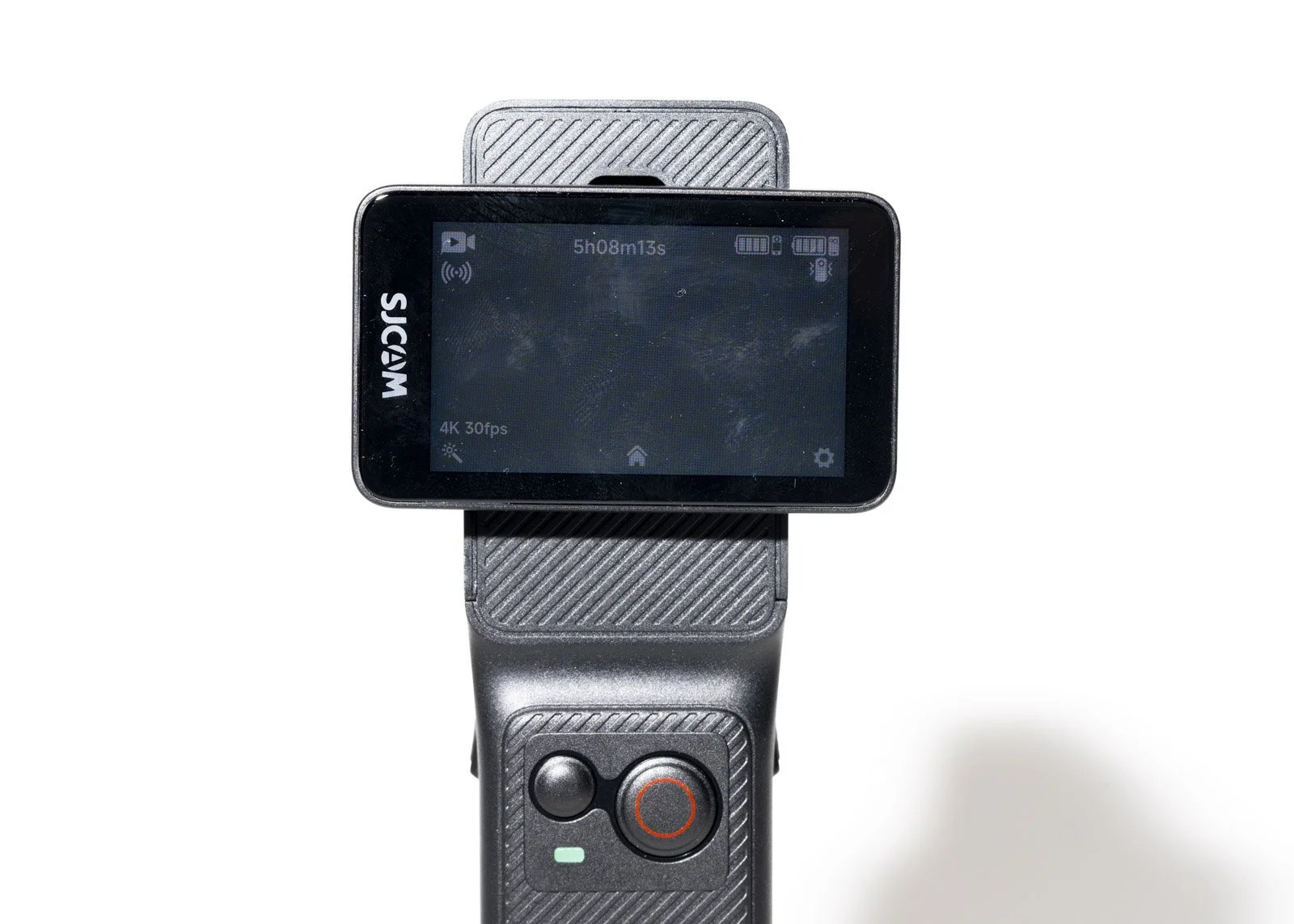
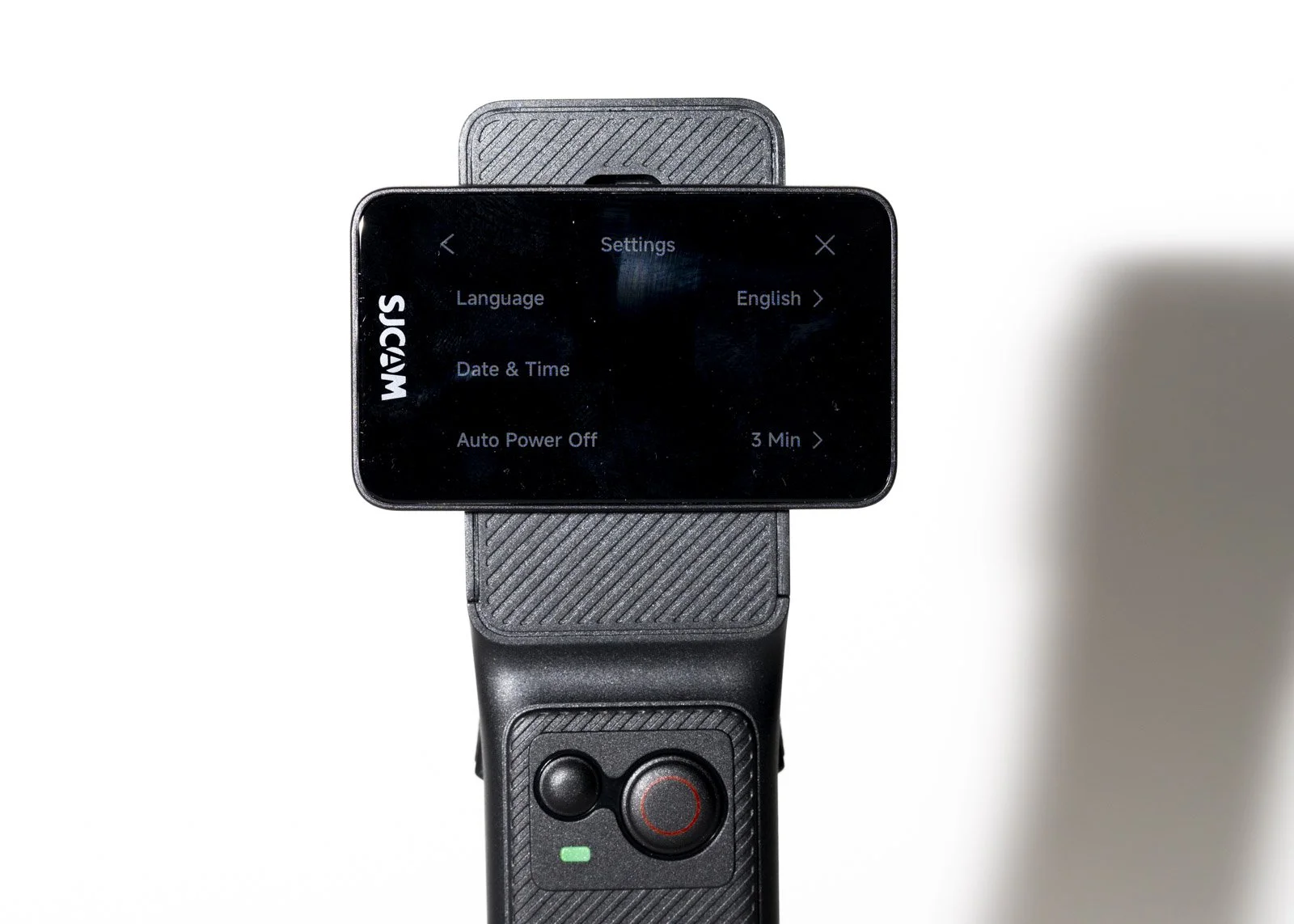
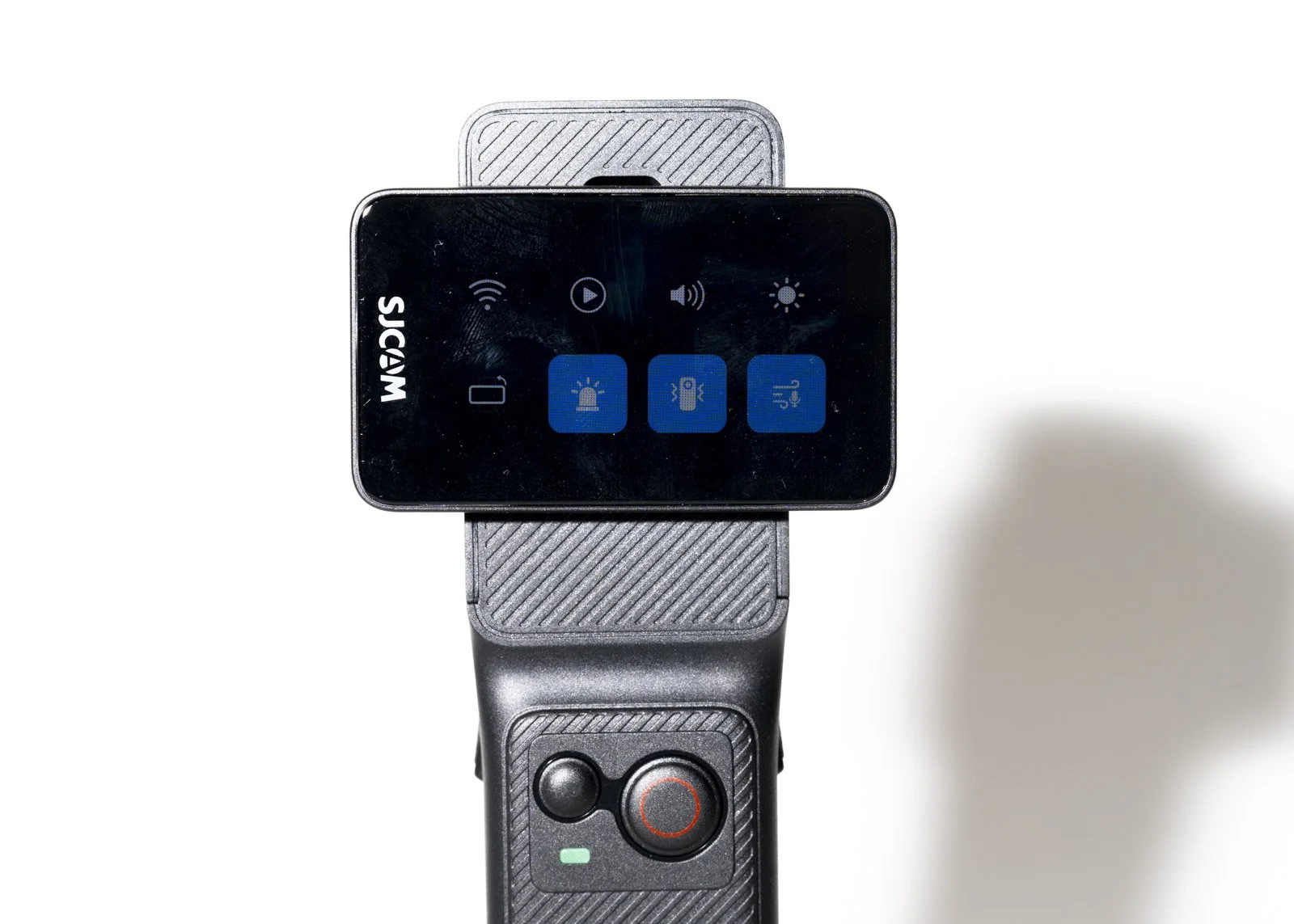
Touchscreen is small if you’re used to large mirrorless displays but bigger than to C300
Low light performance is decent, but it’s still a small-sensor action camera
No physical gimble
C400 vs C300 (From a Real User)
Since I use the C300 regularly, here’s how I see it:
If you want something compact and reliable for general BTS, the C300 already does a solid job.
The C400 steps things up with smoother 4K 60fps options and dual screens.
If you’re increasing video content or doing more talking-head and workshop coverage, the C400 makes that workflow smoother.
Would I replace my C300? Not necessarily.
Would I happily run both at the same time for multi-angle coverage? Absolutely.
Who Is It For?
Photography educators
Workshop hosts
Creators building YouTube channels
Travel photographers wanting lightweight 4K video
Anyone who wants simple, reliable BTS capture
If you’re trying to grow your creative brand, documenting the process is as important as the final image.
Final Thoughts
The SJCAM C400 isn’t trying to be a cinema camera. It’s a compact, capable content tool that fits beautifully into a working photographer’s kit.
For me, that matters more than specs on paper.
If you’re already creating educational content or planning to lean harder into YouTube and reels, this little camera quietly earns its place.
And if it means you actually record your behind-the-scenes instead of saying “I should have filmed that”… it’s doing its job.
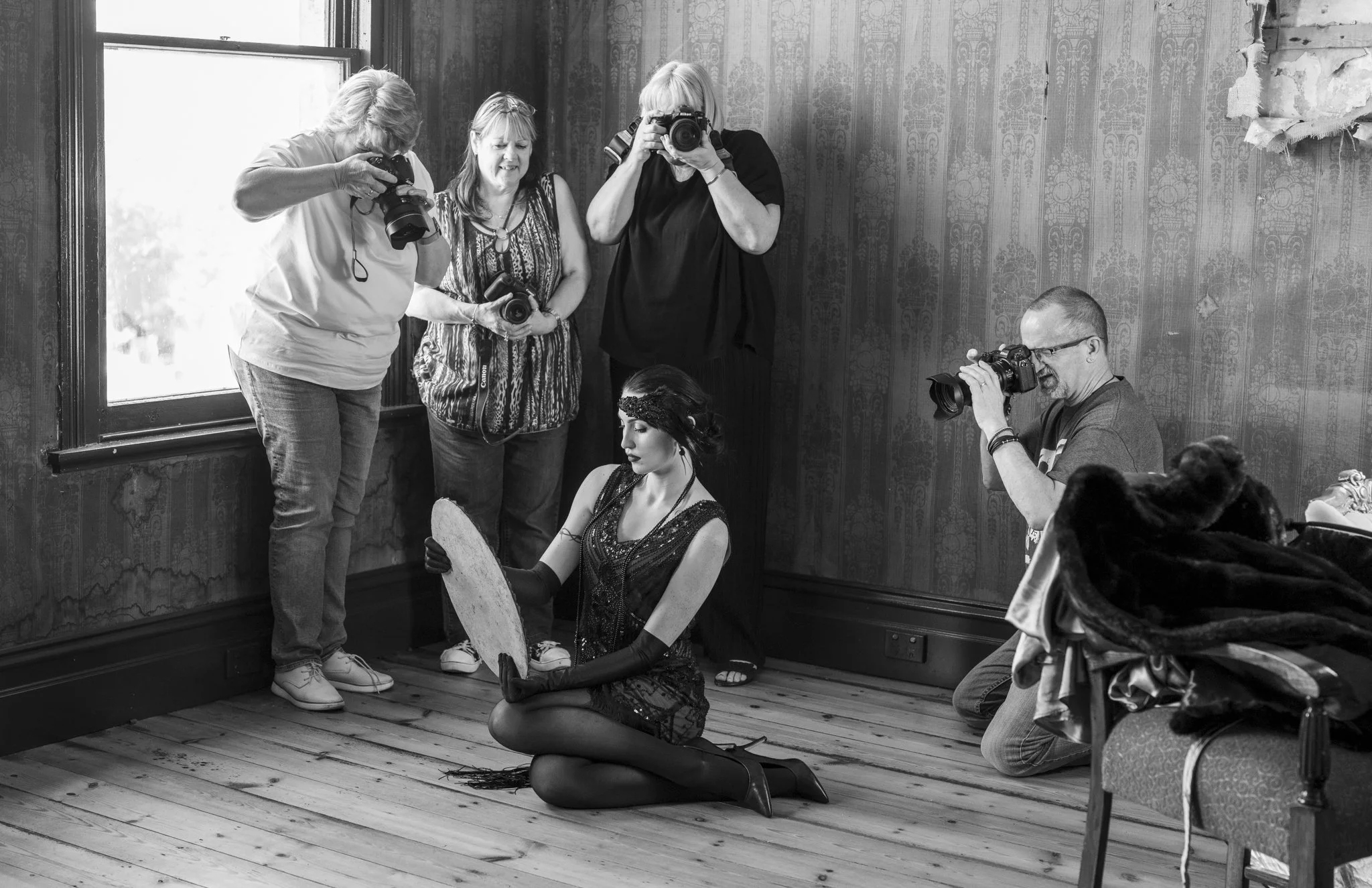
Check out some Behind the Scenes videos that were recorded on the SJCam C400 Camera